
 Upgrade Storage
Help!
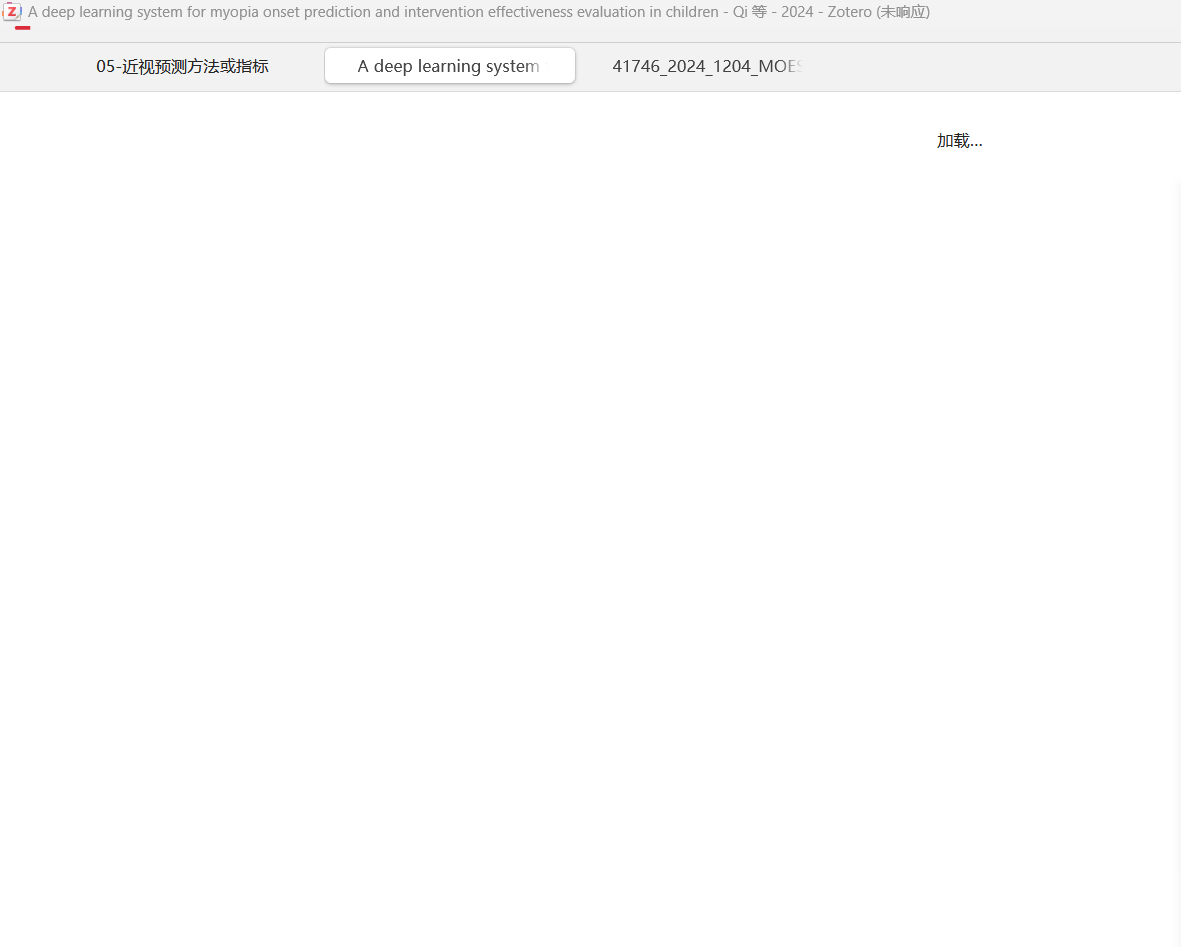
When I open Zotero, it keeps staying on the loading page. How should I deal with it?
The following link is my screenshot.
https://s3.amazonaws.com/zotero.org/images/forums/u14816973/3oxxotm4zylh95847c4w.png
The following link is my screenshot.
https://s3.amazonaws.com/zotero.org/images/forums/u14816973/3oxxotm4zylh95847c4w.png
If not, restart in Troubleshooting Mode (Help → "Restart in Troubleshooting Mode…”), which temporarily disables all plugins. If that fixes it, you'll need to identify the plugin that's causing it and then report the problem to the plugin's developer. If it doesn't, we'd want to see a Debug ID for Zotero startup through 30 seconds of the loading message, using the "Restart with Logging Enabled…" option.
But you can also start in Troubleshooting Mode by holding down Shift (Windows) or Option (Mac) at startup.