
 Upgrade Storage
Ability to split PDF view with library?
Hello all,
I am wondering if there is a native way to split the library view with the PDF reader. I have seen plugins such as zotero-split-view-reader which have a PDF+PDF split view, but I would quite like to have my library open and scrollable while I open PDFs on a viewer pane, as shown in the attached image.
Currently, I split my windows with the "Open in New Tab" command, but this gets tiresome when I have a range of PDFs which I am continuously opening.
If someone has an alternative way to achieve this please do let me know!
https://s3.amazonaws.com/zotero.org/images/forums/u15287584/gu2qp11hbfmgh1q98624.png
https://s3.amazonaws.com/zotero.org/images/forums/u15287584/n4poyl1fi2wsitwlykw8.png
I am wondering if there is a native way to split the library view with the PDF reader. I have seen plugins such as zotero-split-view-reader which have a PDF+PDF split view, but I would quite like to have my library open and scrollable while I open PDFs on a viewer pane, as shown in the attached image.
Currently, I split my windows with the "Open in New Tab" command, but this gets tiresome when I have a range of PDFs which I am continuously opening.
If someone has an alternative way to achieve this please do let me know!
https://s3.amazonaws.com/zotero.org/images/forums/u15287584/gu2qp11hbfmgh1q98624.png
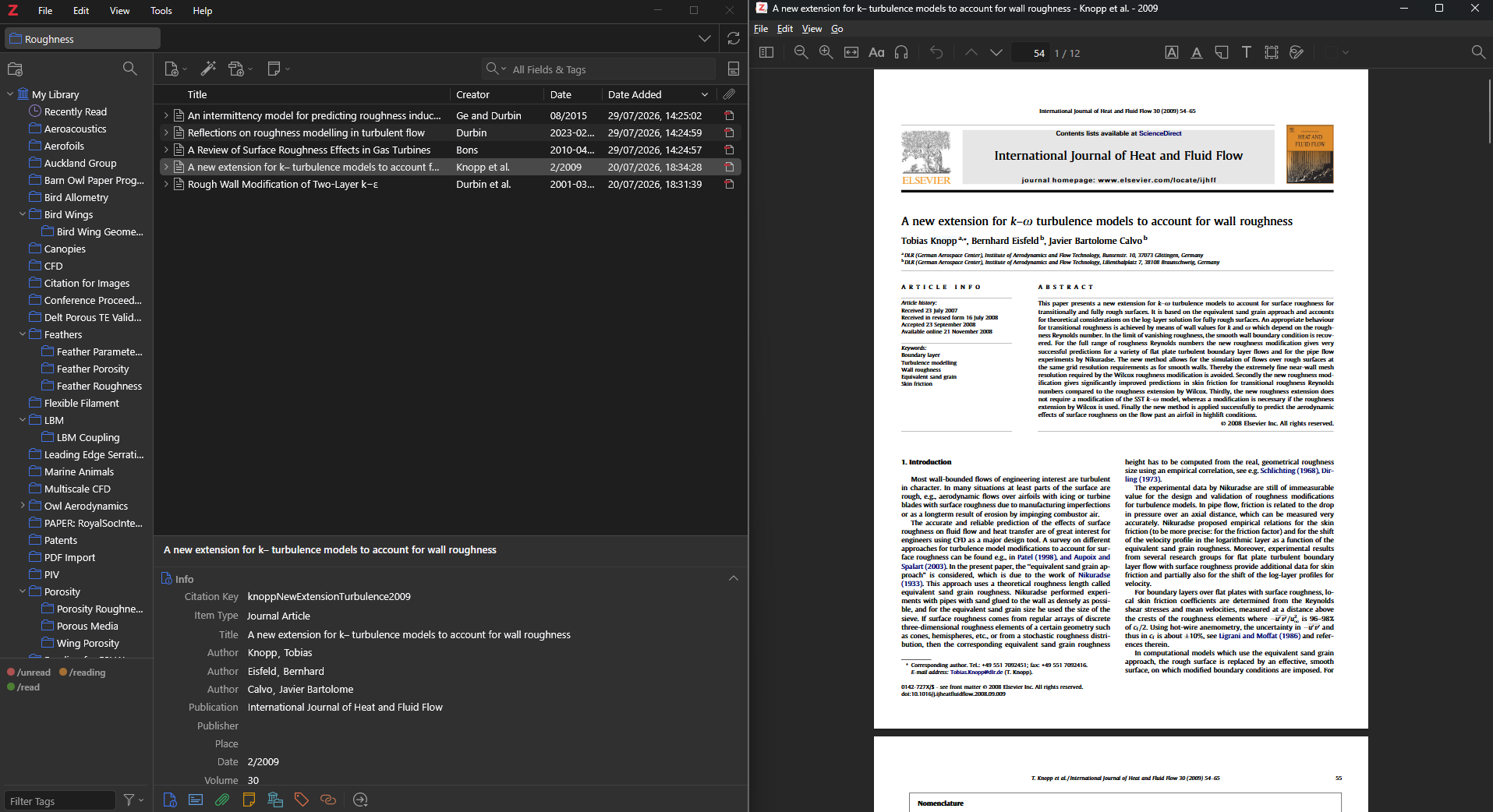
https://s3.amazonaws.com/zotero.org/images/forums/u15287584/n4poyl1fi2wsitwlykw8.png
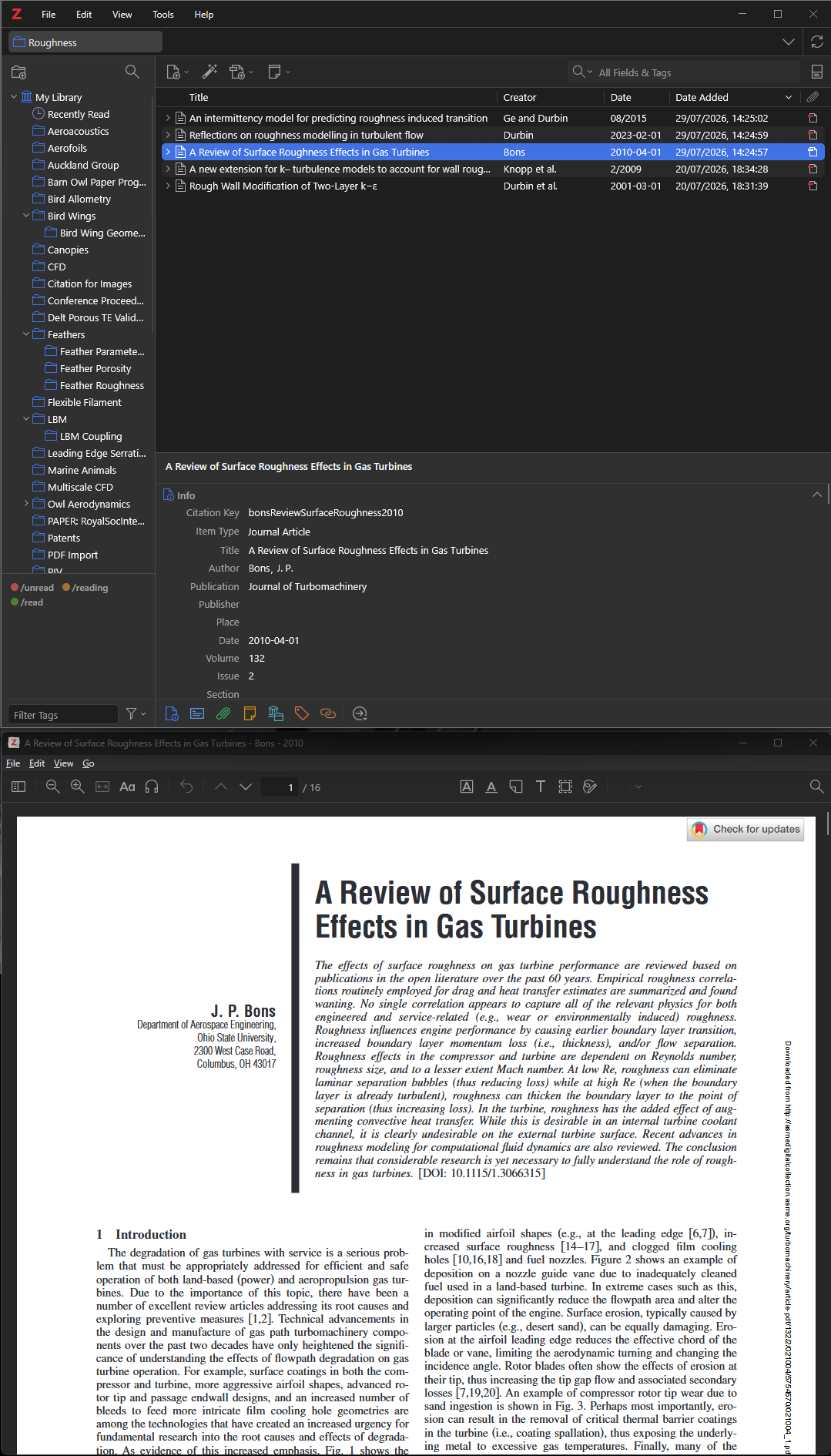
but it only works with two PDFs, not with a PDF and library. Especially for widescreen displays, an option to keep the library always on one side and have PDFs on the other like OP suggests would be amazing!
Weavero, a free and open-source plugin I develop, has this since version 1.1.0: a split view of two tabs side by side in one window, as in Firefox, and one of the two can be the library.
To show a PDF beside the library: right-click an item in the items list and choose "Open PDF in Split View" (the same for an EPUB, a snapshot or a note). The library stays on one side and the PDF opens on the other.
For two tabs that are already open: right-click a tab, choose "Add Split View" and pick the other tab, or select two tabs and choose "Open in Split View". So two PDFs, or a PDF and a note, work too. On the Zotero 11 beta, where the library opens in tabs, two library tabs can be split the same way.
Drag the bar between the two sides to resize them. Each side has its own item pane and sidebar, and the split comes back after a restart. To end it, right-click the tab and choose "Separate Split View".
One limit: it is a pair of tabs, not a preview pane. The PDF side keeps its PDF while you browse the library. To put another PDF beside the library, separate the split and use "Open PDF in Split View" on the other item.
Weavero needs Zotero 9 or later; the split view is tested on Zotero 10 and the Zotero 11 beta.
https://github.com/mjthoraval/Weavero
In regard to the current issue it is a huge improvement over Zotero's built in options. However, the "limit" you point out in your post is indeed a limit I am trying to find a solution for: Essentially what I'm hoping for is have the library always open in the left split, and then in the right split be able to cycle through different open tabs and open/close tabs individually. So it shouldn't be a "preview" pane in that it always shows what's selected in the library. But it should be independent from a particular split.
EDIT: Played around with it a bit more. Your plugin does provide kind-of a workaround already: I can open a PDF in a new window and then open a second PDF in that window and then put my library and the reader window side by side. It is a bit cumbersome, as it doesn't seem that I can get that behavior by hitting enter on an entry in the library (which currently opens the PDF in a new tab in the same window). But it's very close to what I'm after. If it's possible to consider implementing it in a future release that'd be amazing!