
 Upgrade Storage
Page numbers running offset in pdf viewer
I was reading a long academic article in the Zotero pdf viewer. It helpfully shows the actual page number (i.e. what is at the bottom of the page), alongside the page of the pdf (i.e. how many pages through). Midway through the article, there is an image insert which is not part of the page counting (i.e. the page before them is 86 and the page after them is 87), but Zotero continues to add one each pdf page, leading to a running offset. Is there a way to fix this (or at least to switch the page number feature off) so that I don't record the wrong page numbers? I take notes by hand, so the annotation page-number-edit feature (where you can edit your notes) does not help.
Please let me know if any clarification is required, because this was quite difficult to explain.
Screenshots: https://s3.amazonaws.com/zotero.org/images/forums/u10648447/nho8xektdh00dhqgd83s.png
https://s3.amazonaws.com/zotero.org/images/forums/u10648447/c4fix7tfg68wzyxs9sap.png
Please let me know if any clarification is required, because this was quite difficult to explain.
Screenshots: https://s3.amazonaws.com/zotero.org/images/forums/u10648447/nho8xektdh00dhqgd83s.png
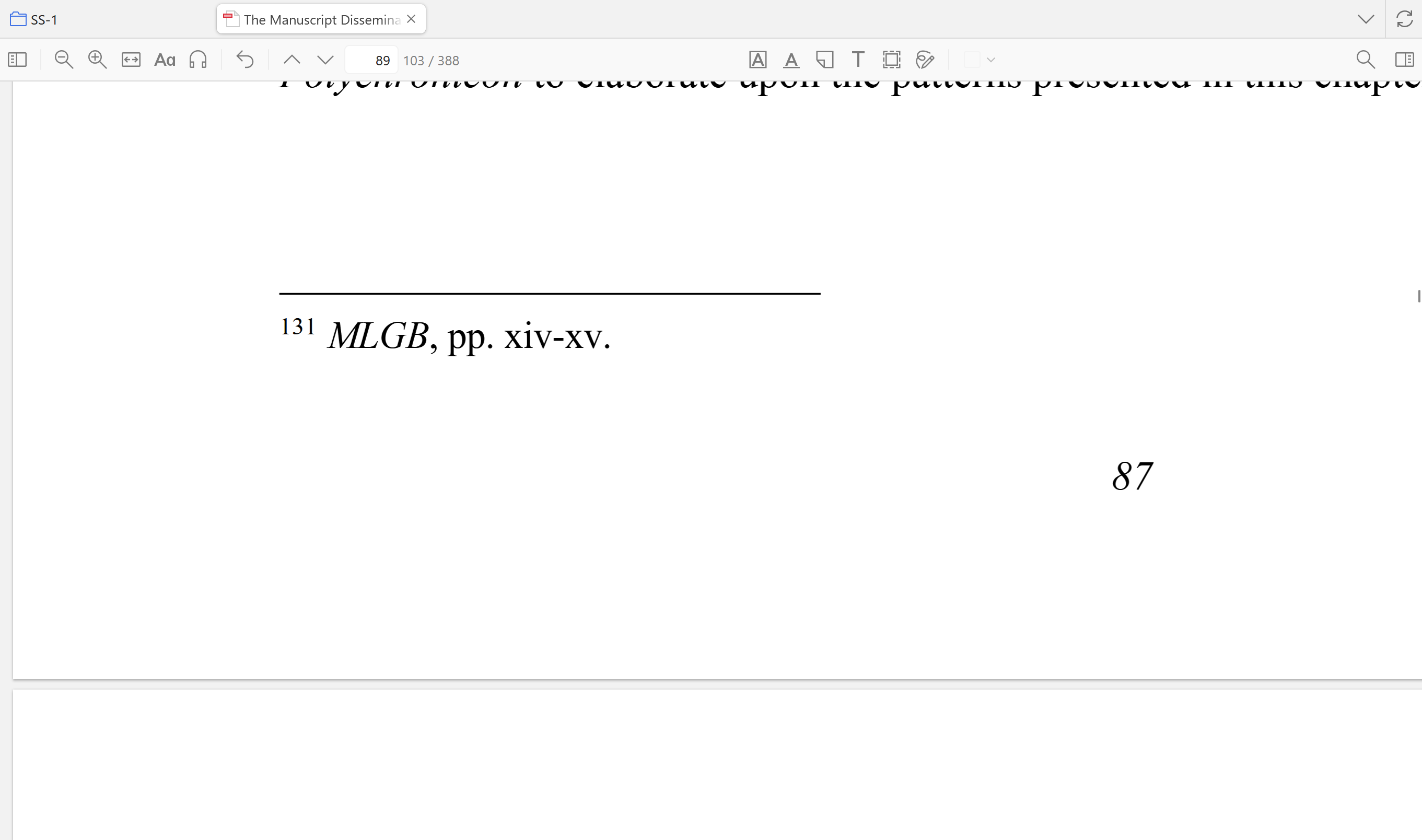
https://s3.amazonaws.com/zotero.org/images/forums/u10648447/c4fix7tfg68wzyxs9sap.png
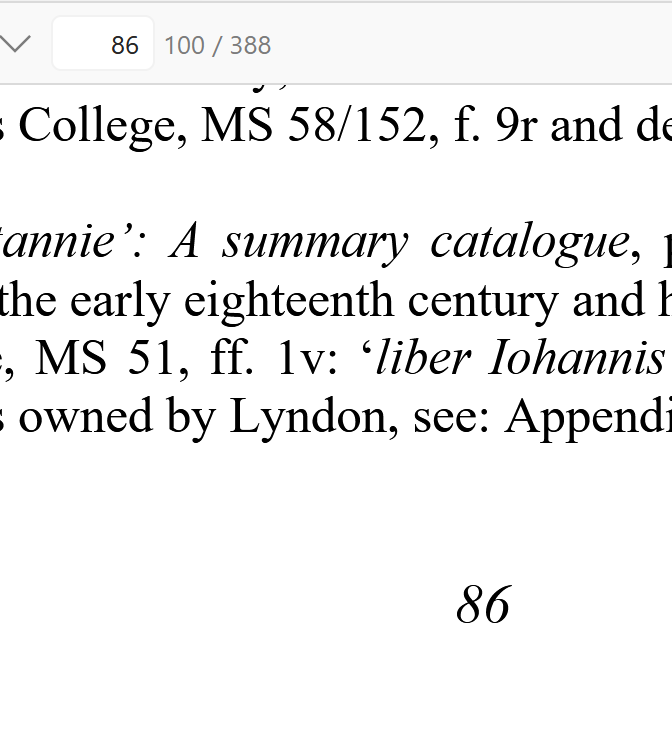
-
martynas_b Zotero TeamCan you send an example PDF file to support@zotero.org with a link to this thread?
-
martynas_b Zotero TeamThanks for the PDF file. Zotero 11 will have improved page label recognition that will also fix page labels for this PDF.