Restart in Troubleshooting Mode (Help → "Restart in Troubleshooting Mode…”), which temporarily disables all plugins. If that fixes it, you'll need to identify the plugin that's causing it and then report the problem to the plugin's developer. If not, provide a Debug ID for an attempt that hangs or fails. This could just be a problem with your internet connection.
Zotero can't download the PDF due to bot protection on the known open-access-download pages, and then you've added a bunch of custom Sci-Hub resolvers and are getting errors from those. We'll fix it to show a proper error when custom resolvers return server errors instead of retrying for an hour, but you should remove resolvers that are no longer valid.
You can download the PDFs manually from the website and attach them to the items in Zotero or try resaving from the article page using the Zotero Connector, which may successfully download the files.

 Upgrade Storage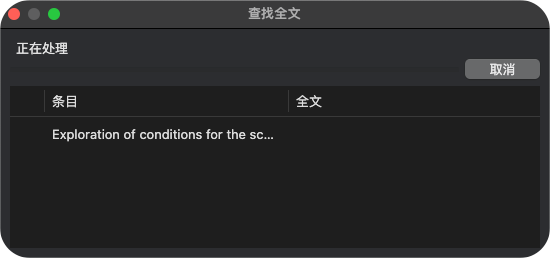
You can download the PDFs manually from the website and attach them to the items in Zotero or try resaving from the article page using the Zotero Connector, which may successfully download the files.