
 Upgrade Storage
Regression: zotero://{someLink} after pasting an Annotation/Highlight
with Zotero 9, I noticed that there is no 'copy' dialogue anymore when right-clicking an annotation.
You can do `Ctrl+C` on the annotation.
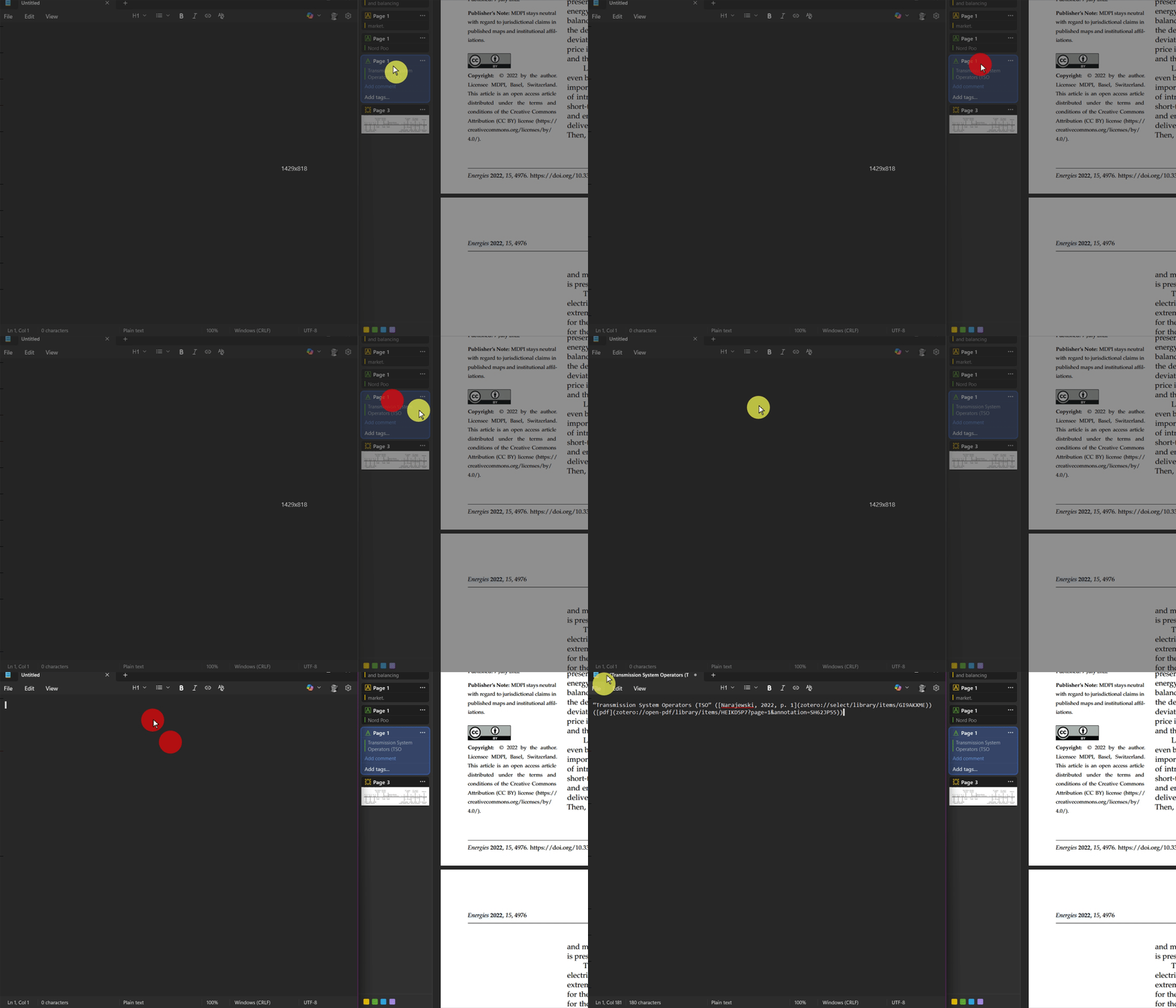
Before Zotero 9, you would paste the quote and a link to the zotero annotation item.
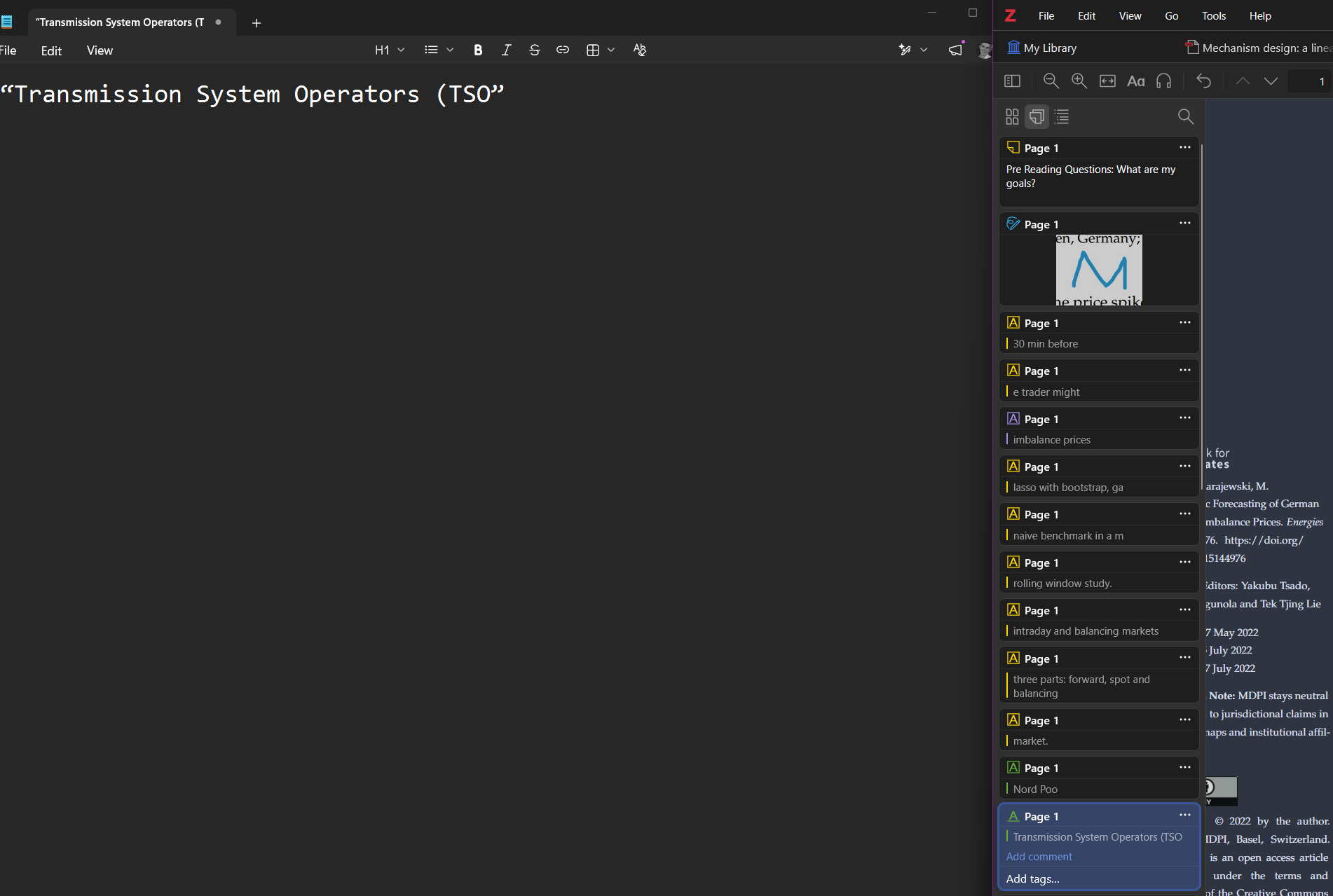
Now you only paste the quote, without any link.
This is the behavior I want to have (the GIF was recorded on Zotero 7 with Zutilo)
https://s3.amazonaws.com/zotero.org/images/forums/u13308495/ziloipg3x4z9c4rcmgs8.gif
But currently a paste simply results in this:
https://s3.amazonaws.com/zotero.org/images/forums/u13308495/p0goky977k3i9kb8vsfp.png
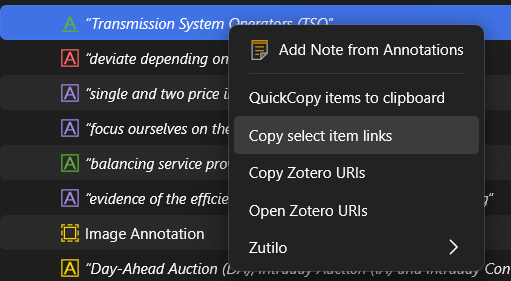
As a workaround you can return to the library view and then use the zutilo context menu:
https://s3.amazonaws.com/zotero.org/images/forums/u13308495/bwssv4yesz84kv846g9x.png
Maybe this is a solution too: https://github.com/mobench/zotero-annotation-links
But if there is a way to reconstruct the native behavior, then I would stronly prefer a native solution without plugins. I am thankful for any advice
You can do `Ctrl+C` on the annotation.
Before Zotero 9, you would paste the quote and a link to the zotero annotation item.
Now you only paste the quote, without any link.
This is the behavior I want to have (the GIF was recorded on Zotero 7 with Zutilo)
https://s3.amazonaws.com/zotero.org/images/forums/u13308495/ziloipg3x4z9c4rcmgs8.gif
But currently a paste simply results in this:
https://s3.amazonaws.com/zotero.org/images/forums/u13308495/p0goky977k3i9kb8vsfp.png
As a workaround you can return to the library view and then use the zutilo context menu:
https://s3.amazonaws.com/zotero.org/images/forums/u13308495/bwssv4yesz84kv846g9x.png
Maybe this is a solution too: https://github.com/mobench/zotero-annotation-links
But if there is a way to reconstruct the native behavior, then I would stronly prefer a native solution without plugins. I am thankful for any advice
This is the debug ID for the log in troubleshooting mode: D998969444
This is the debug ID for the log with my setup : D496678289
This solved the problem. I first dismissed this as unrelated but it is not. Thanks, Dan!