
 Upgrade Storage
Attached File Could Not be Found Error
Hello!
My team is facing a recent issue across their devices when trying to open PDFs or links. Things have been working perfectly fine until only a couple of weeks ago.
Some files open just fine, and others bring up this error:
" The attached file could not be found at the following path: "
https://s3.amazonaws.com/zotero.org/images/forums/u19418649/xjm25d0a7i4gsd11l7du.png
It references a folder within the Zotero / storage file on the C: drive, however when trying to locate said file, its not there at all. Yes it explains why it couldn't locate it, but how or why did it disappear?
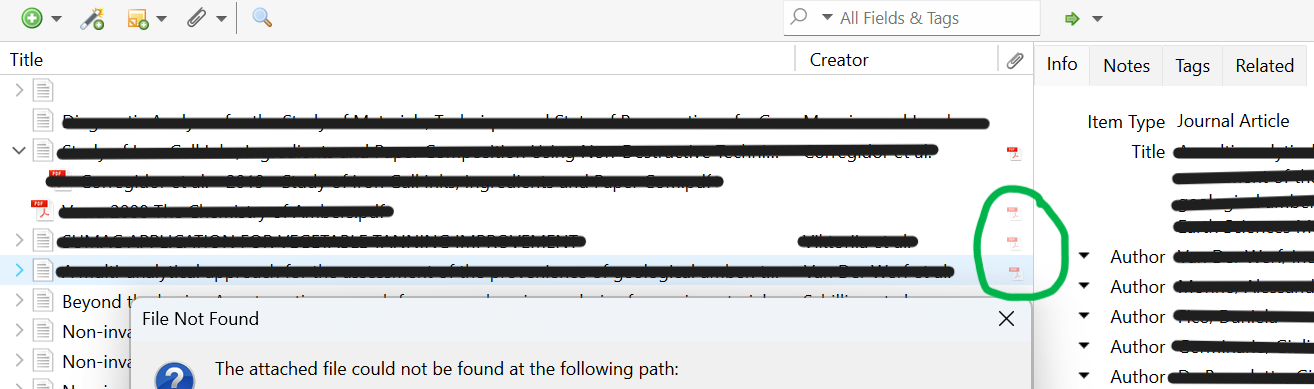
The files are shared across my team through a private Group Library, and they are stored files, not linked. We noticed that files that can't be found have their icons shaded like so:
https://s3.amazonaws.com/zotero.org/images/forums/u19418649/02tg0dnz83noze7k13e4.png
Could this be a sync issue? If a stored file is shared in a group, and say that sharer's storage quota is maxed, would this stop the file from syncing for other group members? Would it make it disappear from the path entirely?
As we were investigating, we tested it on 2 devices with ample storage space, and PDFs were opening just fine, which makes me think of a sync issue/full storage that might be on another member's account. In this case, if said member were to buy more storage, would the files come back?
Help is much appreciated!
My team is facing a recent issue across their devices when trying to open PDFs or links. Things have been working perfectly fine until only a couple of weeks ago.
Some files open just fine, and others bring up this error:
" The attached file could not be found at the following path: "
https://s3.amazonaws.com/zotero.org/images/forums/u19418649/xjm25d0a7i4gsd11l7du.png
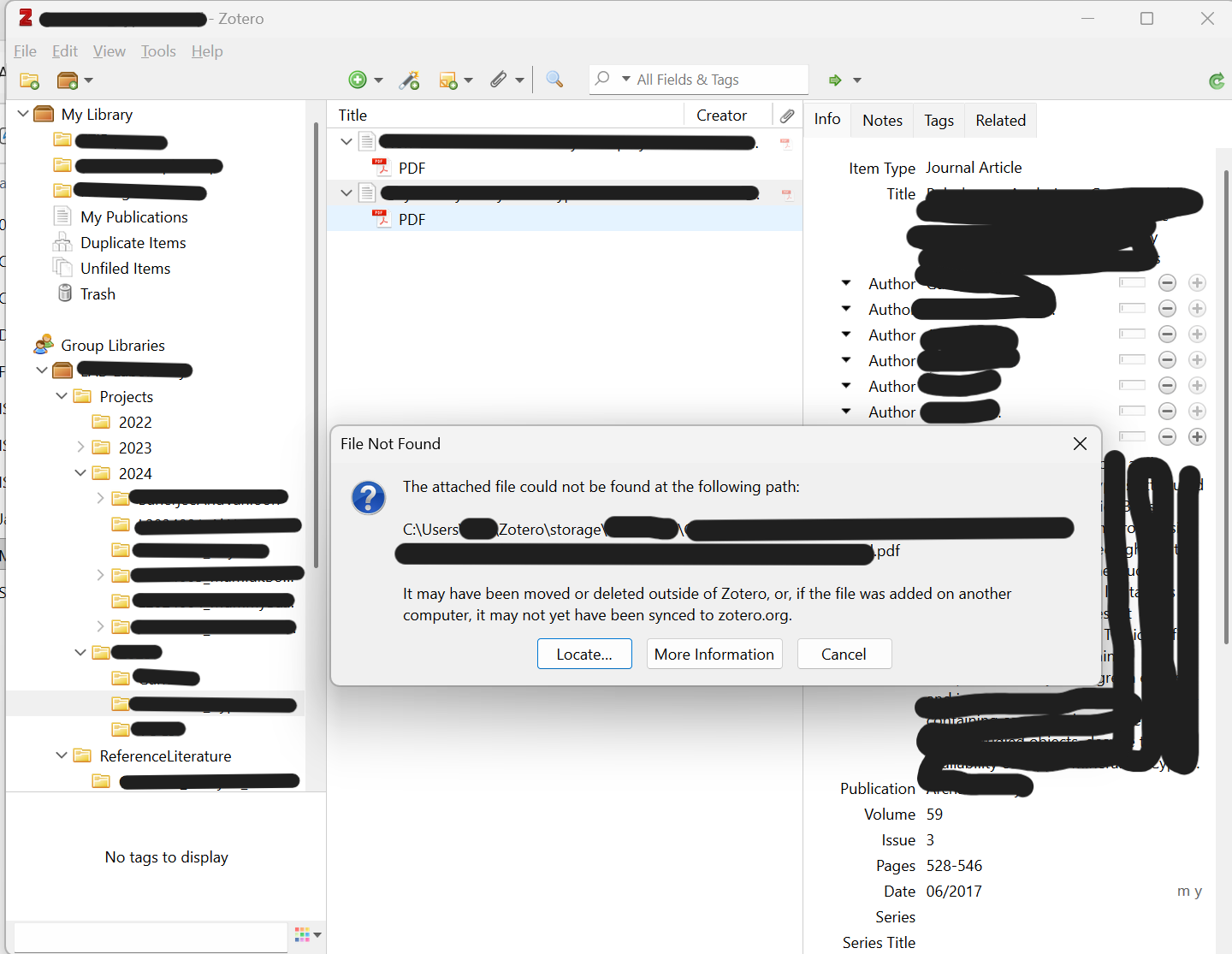
It references a folder within the Zotero / storage file on the C: drive, however when trying to locate said file, its not there at all. Yes it explains why it couldn't locate it, but how or why did it disappear?
The files are shared across my team through a private Group Library, and they are stored files, not linked. We noticed that files that can't be found have their icons shaded like so:
https://s3.amazonaws.com/zotero.org/images/forums/u19418649/02tg0dnz83noze7k13e4.png
Could this be a sync issue? If a stored file is shared in a group, and say that sharer's storage quota is maxed, would this stop the file from syncing for other group members? Would it make it disappear from the path entirely?
As we were investigating, we tested it on 2 devices with ample storage space, and PDFs were opening just fine, which makes me think of a sync issue/full storage that might be on another member's account. In this case, if said member were to buy more storage, would the files come back?
Help is much appreciated!
The account that owns the group previously both had a personal unlimited subscription and was the manager of a lab subscription, though it itself was not in the lab. Both have expired. If your institution would like to renew the lab plan, you can contact storage@zotero.org (but either the group owner will need to be in the lab plan or the group will need to be transferred to another member who is).