
 Upgrade Storage
Bug report (version 9.0.2): "View → Use Dark Mode for Content" option is not available
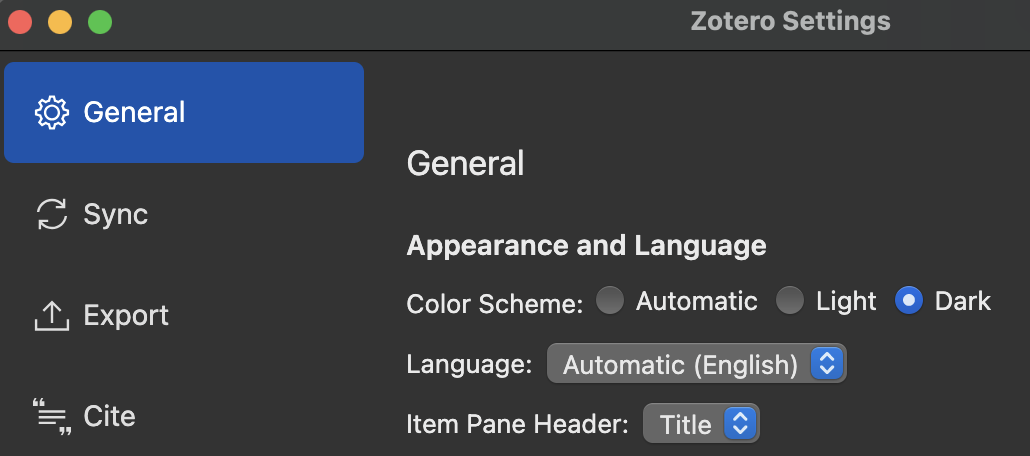
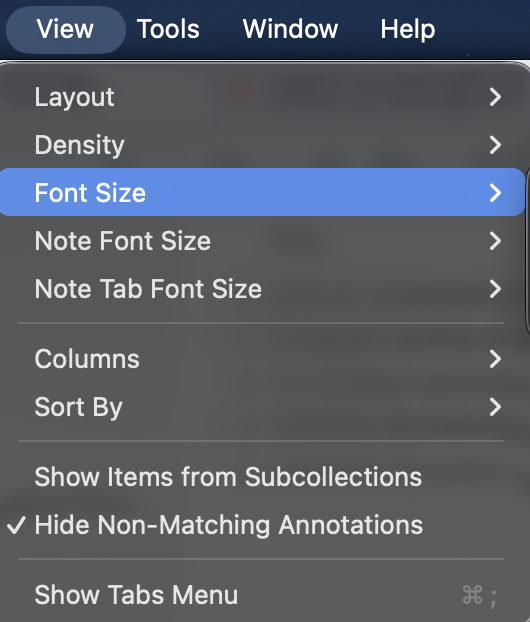
After upgrading to 9.0.2 on MacOS 26.3.1 (a), the "View → Use Dark Mode for Content" option in the menu is no longer available (see screenshot below). Hence, if Zotero is in the dark mode, the PDF will always appear with a black background. Is there a way to toggle off the option "Use Dark Mode for Content" such that the original white background of the PDF can be preserved? Thank you.
https://s3.amazonaws.com/zotero.org/images/forums/u14068126/j8wn0q02840aevjb28rs.png
https://s3.amazonaws.com/zotero.org/images/forums/u14068126/2d7xvb7umsrc87wgcz9k.png
https://s3.amazonaws.com/zotero.org/images/forums/u14068126/j8wn0q02840aevjb28rs.png
https://s3.amazonaws.com/zotero.org/images/forums/u14068126/2d7xvb7umsrc87wgcz9k.png
-
dstillman Zotero Teamhttps://www.zotero.org/blog/zotero-8/#reader-appearance-panel-with-theme-support
-
alfredzongThank you!