
 Upgrade Storage
Issues between the app and the citations in Google Docs
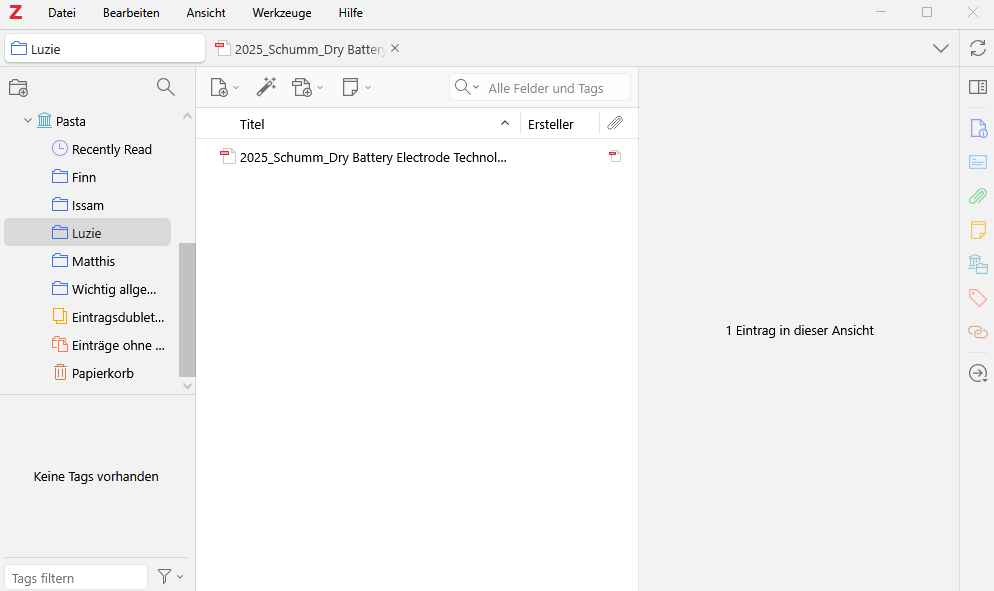
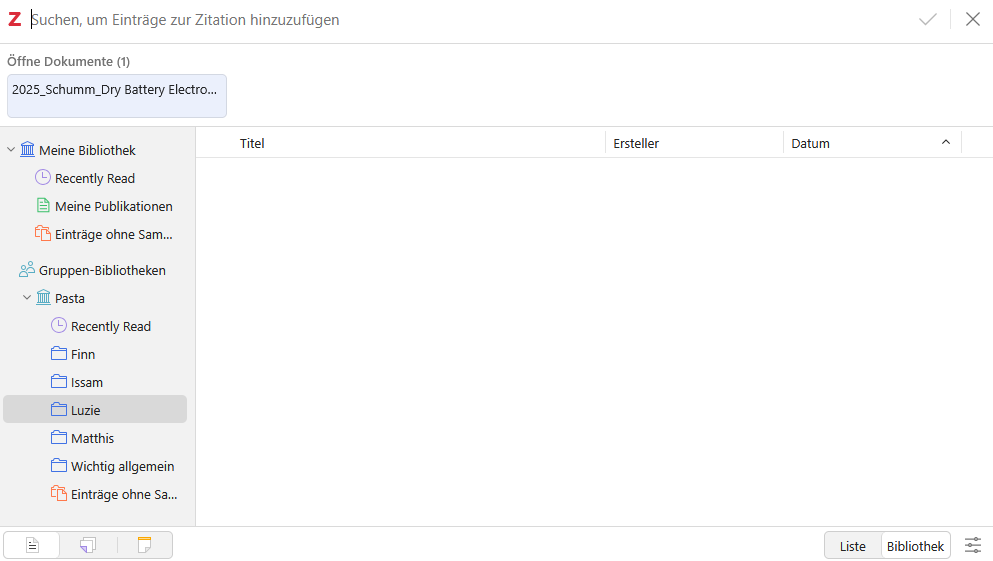
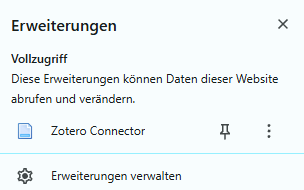
In my app on my computer (Windows 10), my folders and the corresponding files are displayed as expected. However, when I go to Zotero in Google Docs and try to create a citation, all my folders are there, but there are no files in them. Sometimes, however, they appear at the top under “Open Documents.” I have installed and activated the connector. I have also attached screenshots of the view in the app and the view when citing (files missing).
https://s3.amazonaws.com/zotero.org/images/forums/u20328283/tny2wm6na56ljl3gtpgp.png
https://s3.amazonaws.com/zotero.org/images/forums/u20328283/61vzm49w6hb17fkfnlqy.png
https://s3.amazonaws.com/zotero.org/images/forums/u20328283/xdcm1258669hp0mz1yod.png
https://s3.amazonaws.com/zotero.org/images/forums/u20328283/tny2wm6na56ljl3gtpgp.png
https://s3.amazonaws.com/zotero.org/images/forums/u20328283/61vzm49w6hb17fkfnlqy.png
https://s3.amazonaws.com/zotero.org/images/forums/u20328283/xdcm1258669hp0mz1yod.png
-
adamsmithThat's a top level file -- you can't cite that (it's just a file no citation info/metadata). In most cases, files will automatically find metadata and attach themselves to it, if -- as appears to be the case here -- they don't, use right click --> Create parent item