
 Upgrade Storage
PDF Reader on desktop: with some files, shows yellow box with figure and table legend
Linux, Zotero 8.0.3: on some PDFs, figures and tables show a yellow background box with the figure/table legend that repeats the "real" figure/table legend. This box can overlap some other text in the PDF. For example (screen captures after restarting in troubleshooting mode)
https://s3.amazonaws.com/zotero.org/images/forums/u301830/z3qncbsko51c20zq49oa.png
and
https://s3.amazonaws.com/zotero.org/images/forums/u301830/o8b1kc8u3pc55acn9gsc.png
The iPad version (2.0.4 Build 417) and the Android version (1.0.0-229) do not display this.
Neither do (at least some) other PDF viewers, such as Okular or Emacs' pdf-tools.
For example, this is the first figure on the iPad:
https://s3.amazonaws.com/zotero.org/images/forums/u301830/lvilkcjceu8m97tj6ebd.jpg
Edit: I just sent an email to support@zotero.org with a file that shows these two issues.
https://s3.amazonaws.com/zotero.org/images/forums/u301830/z3qncbsko51c20zq49oa.png
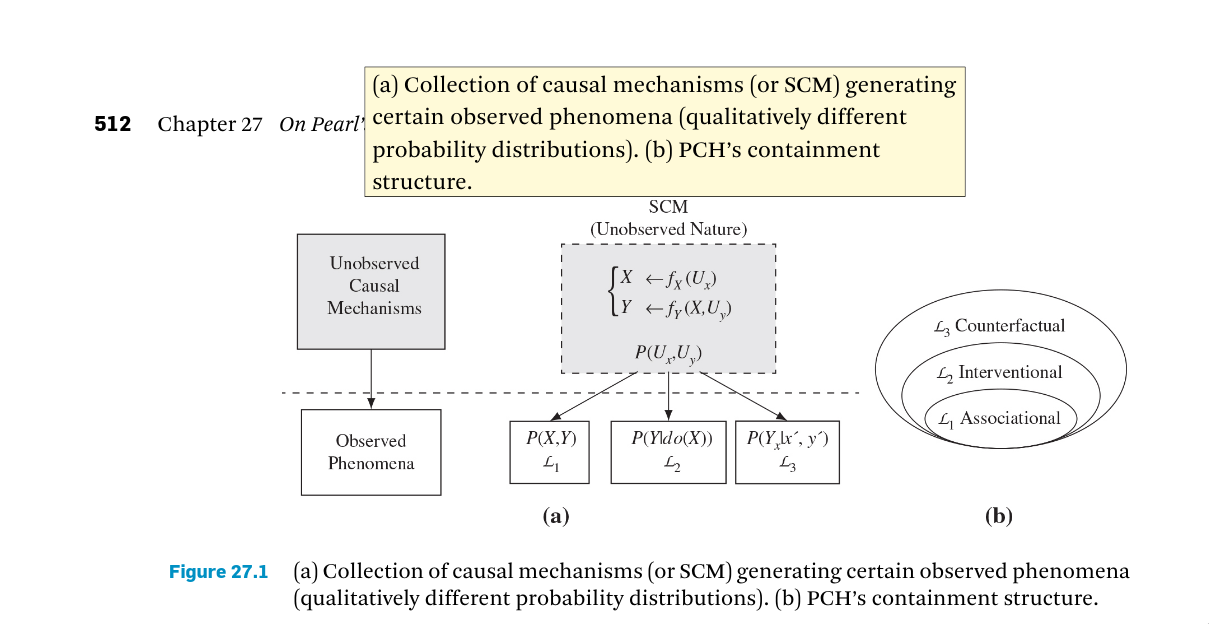
and
https://s3.amazonaws.com/zotero.org/images/forums/u301830/o8b1kc8u3pc55acn9gsc.png
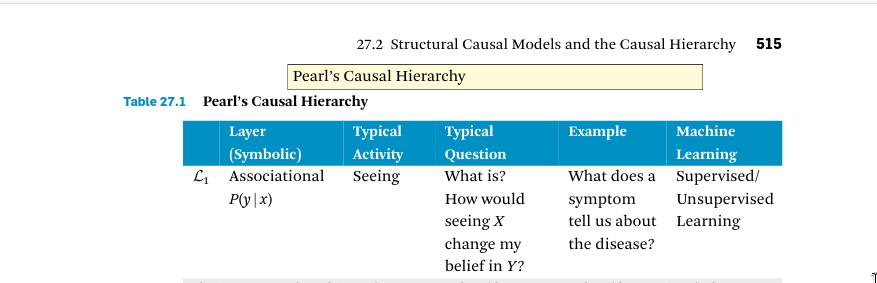
The iPad version (2.0.4 Build 417) and the Android version (1.0.0-229) do not display this.
Neither do (at least some) other PDF viewers, such as Okular or Emacs' pdf-tools.
For example, this is the first figure on the iPad:
https://s3.amazonaws.com/zotero.org/images/forums/u301830/lvilkcjceu8m97tj6ebd.jpg
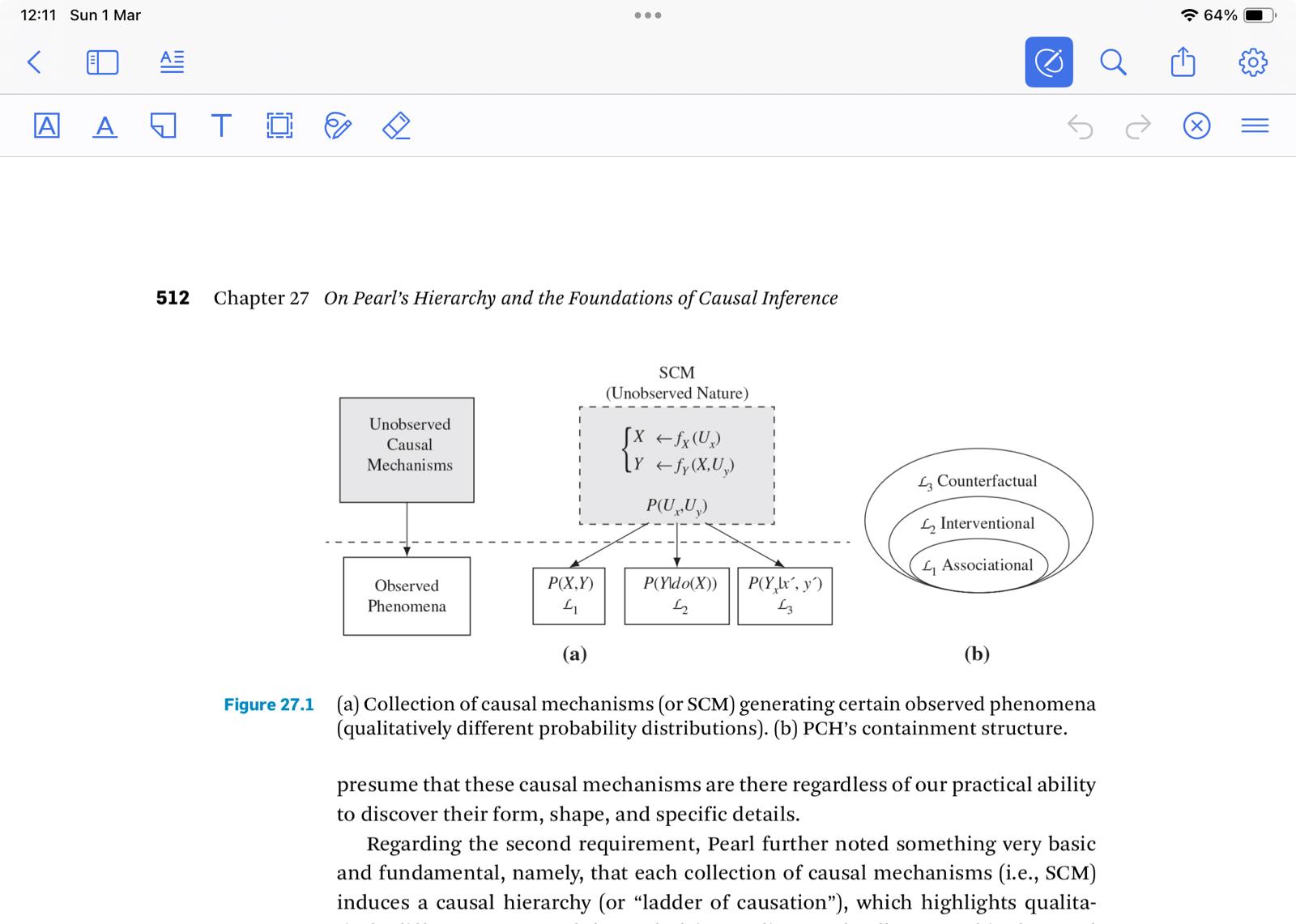
Edit: I just sent an email to support@zotero.org with a file that shows these two issues.
However, you can try opening the PDF with another viewer and deleting the annotations there.
I only see this with Zotero desktop (under Linux, at least).