
 Upgrade Storage
Zotero is not identifying my downloaded PDFs
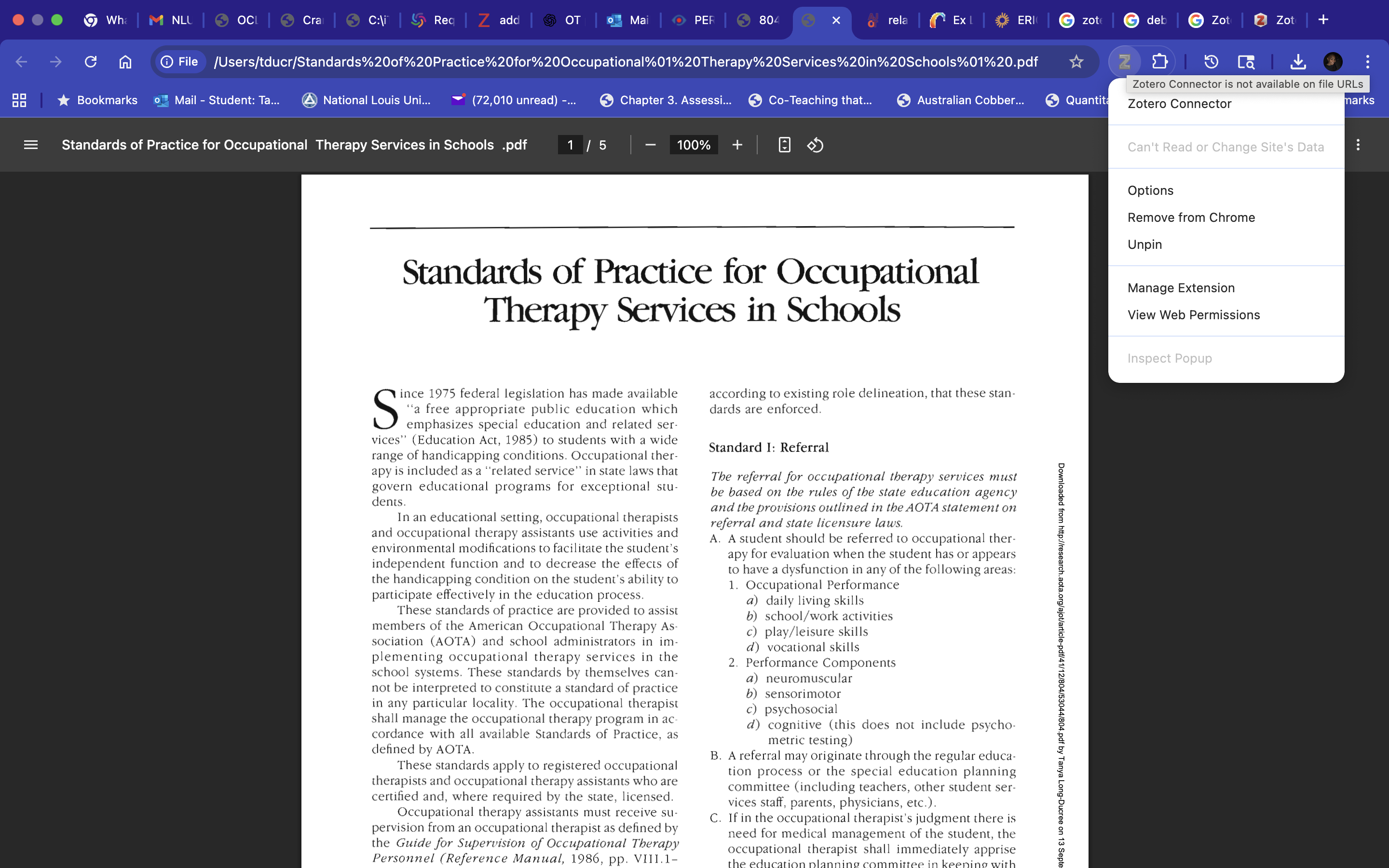
When I download my articles I get a message saying that Zotero connector is not available on URLs. This has never happened before. I have always been able to save these downloads in Zotero without a problem. Attached is a screenshot of a PDF it is saying is a URL.
PLEASE HELP!!
Thank you
https://s3.amazonaws.com/zotero.org/images/forums/u7856799/wofz7nd4alli67v48agr.png
PLEASE HELP!!
Thank you
https://s3.amazonaws.com/zotero.org/images/forums/u7856799/wofz7nd4alli67v48agr.png
If you already have a file on your computer, you can just drag it to Zotero.
Thank you
You can see the path in the address bar in your screenshot. You've just opened a file that's saved on your computer. If you want to save directly to Zotero from your browser, you need to be on a website.
You'll want to make sure your browser is configured to preview PDFs directly — at http(s):// URLs — rather than downloading the file to disk first. It's possible that setting was changed in your browser. In Chrome, go to Privacy and security → Site settings → Additional content settings → PDF documents (or go to
chrome://settings/content/pdfDocuments?search=handlein the address bar) and make sure it's set to "Open PDFs in Chrome", not "Download PDFs".For a file already on your computer, you would need to drag from Finder or add it from the menu options in the Zotero app.