
 Upgrade Storage
Libreoffice plugin version not updated?
I installed the latest libreoffice plugin in beta (8.0-beta.6) and the stable (7.0.23). and in both cases it shows the old version from Sep 2024 (7.0.1) in Libreoffice (25.2.5.2).
https://s3.amazonaws.com/zotero.org/images/forums/u5124/8bxev695t2fj8vdlxs8j.png
I installed both automatically and manually. Same results. Also, the Manual Installattion button in the plugin installation window does not respond in my hands, though I have trouble finding the .oxt file under
This is on an M1 Macbook Pro running Sequoia 15.6 and the ARM version of Libreoffice with Java JRE 21.0.8.
https://s3.amazonaws.com/zotero.org/images/forums/u5124/8bxev695t2fj8vdlxs8j.png
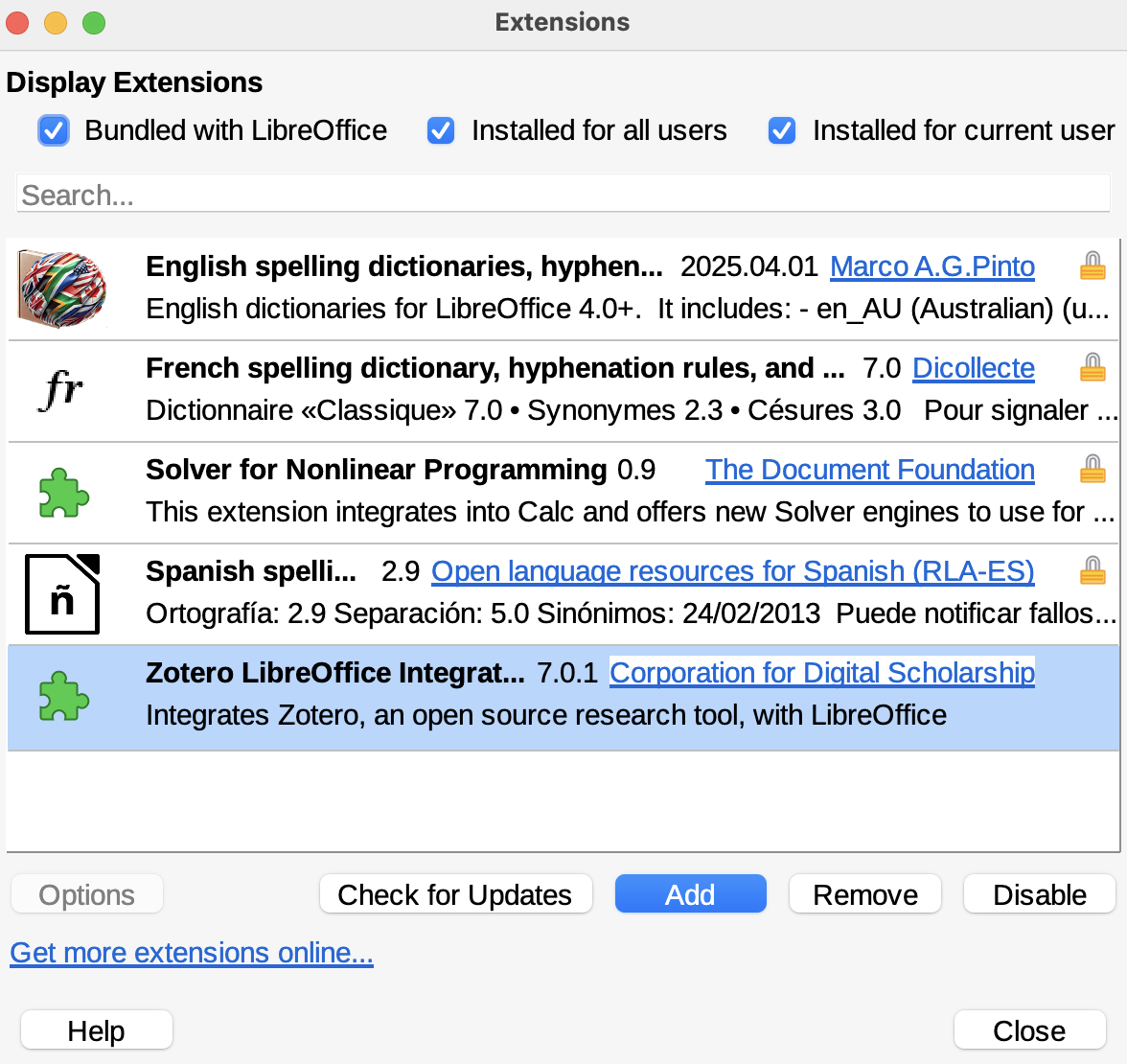
I installed both automatically and manually. Same results. Also, the Manual Installattion button in the plugin installation window does not respond in my hands, though I have trouble finding the .oxt file under
/Applications/Zotero.app/Contents/Resources/integration/libreofficeThis is on an M1 Macbook Pro running Sequoia 15.6 and the ARM version of Libreoffice with Java JRE 21.0.8.
https://s3.amazonaws.com/zotero.org/images/forums/u5124/l4sgtr4fej1cm58yzqmv.png
(The plugin should be auto-installed for most people, and the internal number doesn't matter in that case. Only people manually installing the plugin would see that warning.)