
 Upgrade Storage
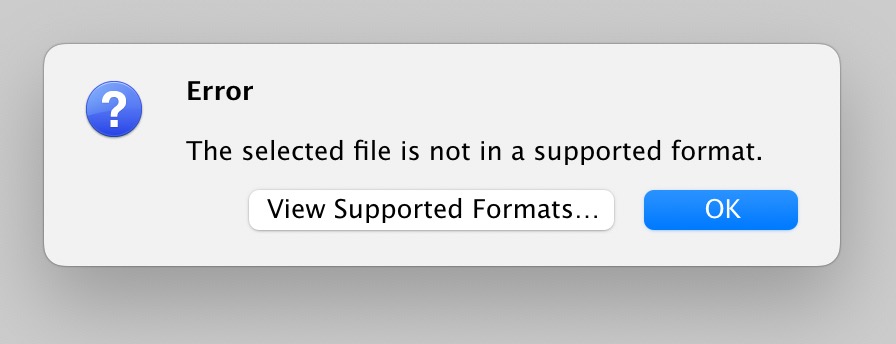
Failed to import citations: The selected file is not in a supported format.
Hello to all,
I copied the Bibtex citation informations in Google Scholar, then tried to import from clipboard, which works last day.
Today I tried the same way, but it gives the error message: The selected file is not in a supported format.
I have tried to uninstall and reinstall, tried a different OS, sadly the error message stays.
I also tried to import the same citation that has been successfully imported from clipboard, while the error stays.
Can any one help me to fix this problem?
https://s3.amazonaws.com/zotero.org/images/forums/u7587252/qglt3a3d1nzxjzmsyjpz.jpg
I copied the Bibtex citation informations in Google Scholar, then tried to import from clipboard, which works last day.
Today I tried the same way, but it gives the error message: The selected file is not in a supported format.
I have tried to uninstall and reinstall, tried a different OS, sadly the error message stays.
I also tried to import the same citation that has been successfully imported from clipboard, while the error stays.
Can any one help me to fix this problem?
https://s3.amazonaws.com/zotero.org/images/forums/u7587252/qglt3a3d1nzxjzmsyjpz.jpg
BibTeX import should of course still work, though. If you can still reproduce that, provide a Debug ID for doing so.