
 Upgrade Storage
Storage Quota "Reached"
I get the following two messages when I try to sync my files:
"You have reached your Zotero File Storage quota. Some files were not uploaded. Other Zotero data will continue to sync to the server."
and
"See your zotero.org account settings for additional storage options."
I have been trying to address this issue for over a month and I am getting frustrated. I upgraded to an unlimited plan on 6 October and it is confirmed in my settings. I have tried suggested troubleshooting steps. I am running Zotero 10.0.7. I really need to sync my library so I have it backed up.
TIA
[email address removed — D.S.]
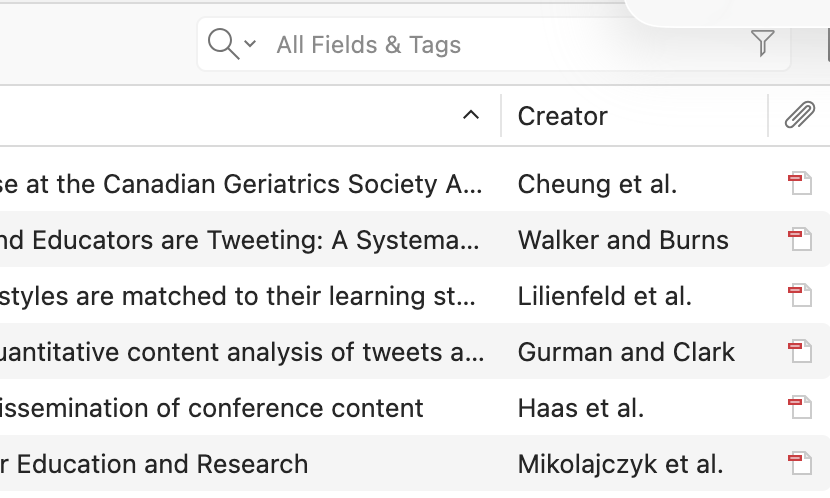
https://s3.amazonaws.com/zotero.org/images/forums/u21996714/f1g5aaef5h05mdbk0s4f.png
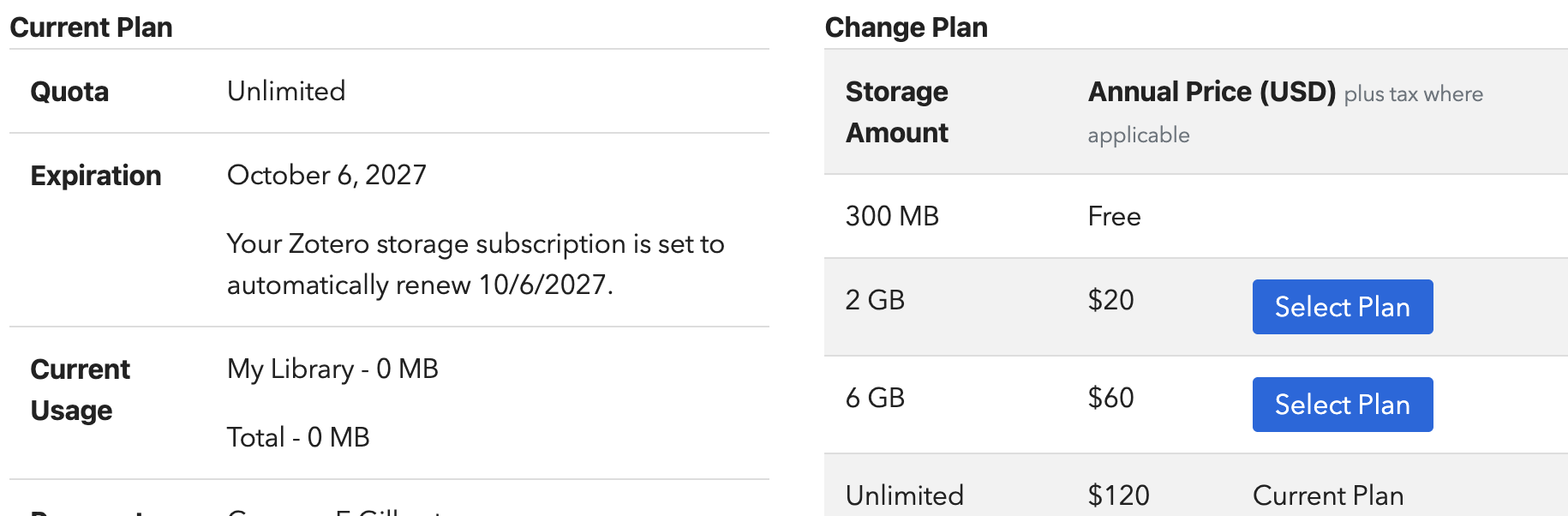
https://s3.amazonaws.com/zotero.org/images/forums/u21996714/qph1ngc8buzt6fclawyr.png
"You have reached your Zotero File Storage quota. Some files were not uploaded. Other Zotero data will continue to sync to the server."
and
"See your zotero.org account settings for additional storage options."
I have been trying to address this issue for over a month and I am getting frustrated. I upgraded to an unlimited plan on 6 October and it is confirmed in my settings. I have tried suggested troubleshooting steps. I am running Zotero 10.0.7. I really need to sync my library so I have it backed up.
TIA
[email address removed — D.S.]
https://s3.amazonaws.com/zotero.org/images/forums/u21996714/f1g5aaef5h05mdbk0s4f.png
https://s3.amazonaws.com/zotero.org/images/forums/u21996714/qph1ngc8buzt6fclawyr.png
-
dstillman Zotero Teamedited yesterday at 6:03pmYou're just syncing with a different account. You can see there that you're not using any storage in this account at all, and the web library will be totally empty. Look in the Sync settings in Zotero to see the account you're actually syncing with and then email storage@zotero.org to have your subscription transferred.