Upgrade Storage
[Android app] UI Feature request Annotation Toolbar position
Hi, I hope this is not too redundant.
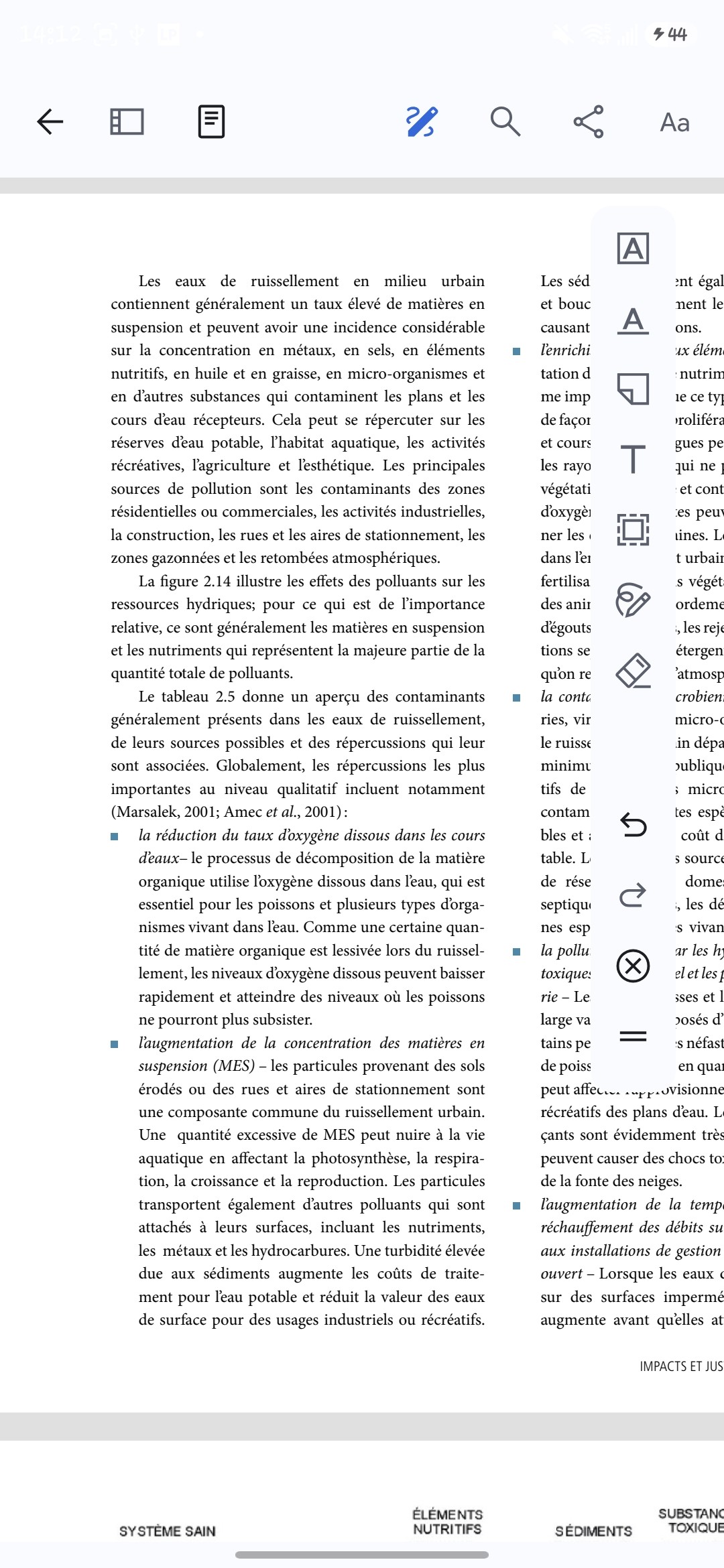
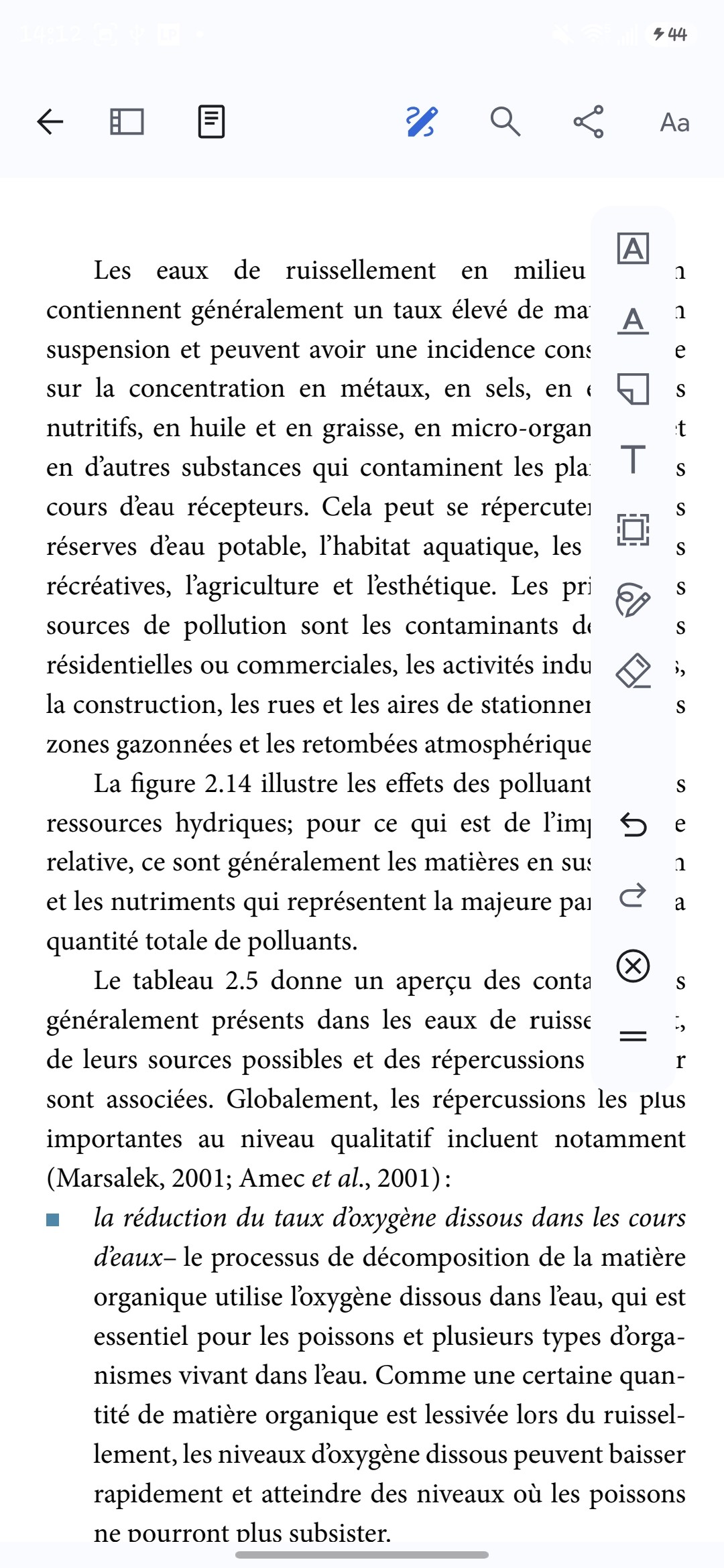
I would like to request another position option for the annotation toolbar which is presently vertical. On small Android devices such as phones, the toolbar is a bit in the way, as zooming in is necessary for reading. I also sometimes hit it inadvertendly.
I think the option of locking it horizontally would work better, or even just a little pop-up menu when clicking on the Annotation tool would be good.
I do not constantly need to change annotation tools, only colors, so colors could be fixed horizontally permanently and the other annotation tools could be hidden and appear as pop-up when needed ? I hope I am making sense.
Thank you for the amazing app. It was my go-to for organising research articles and annotations for my classes, and now, it is awesome as a reader as well. It's simply a complete ecosystem for academics, in my opinion !
Providing screencaps to show how in the way the toolbar is.
https://s3.amazonaws.com/zotero.org/images/forums/u9077207/k9q2cb4fcv97q7jypmxg.jpg
https://s3.amazonaws.com/zotero.org/images/forums/u9077207/xch9rd04qehctjdroc9r.jpg
I would like to request another position option for the annotation toolbar which is presently vertical. On small Android devices such as phones, the toolbar is a bit in the way, as zooming in is necessary for reading. I also sometimes hit it inadvertendly.
I think the option of locking it horizontally would work better, or even just a little pop-up menu when clicking on the Annotation tool would be good.
I do not constantly need to change annotation tools, only colors, so colors could be fixed horizontally permanently and the other annotation tools could be hidden and appear as pop-up when needed ? I hope I am making sense.
Thank you for the amazing app. It was my go-to for organising research articles and annotations for my classes, and now, it is awesome as a reader as well. It's simply a complete ecosystem for academics, in my opinion !
Providing screencaps to show how in the way the toolbar is.
https://s3.amazonaws.com/zotero.org/images/forums/u9077207/k9q2cb4fcv97q7jypmxg.jpg
https://s3.amazonaws.com/zotero.org/images/forums/u9077207/xch9rd04qehctjdroc9r.jpg