
 Upgrade Storage
Bug: Ebook font isn't applied in Reading Mode until you change it
Zotero 10.0.2, Linux (Fedora 44), official tarball, reproduced in a new profile with no plugins.
1. Edit > Settings > General > "Ebook font" = Inter.
2. Quit and start Zotero again.
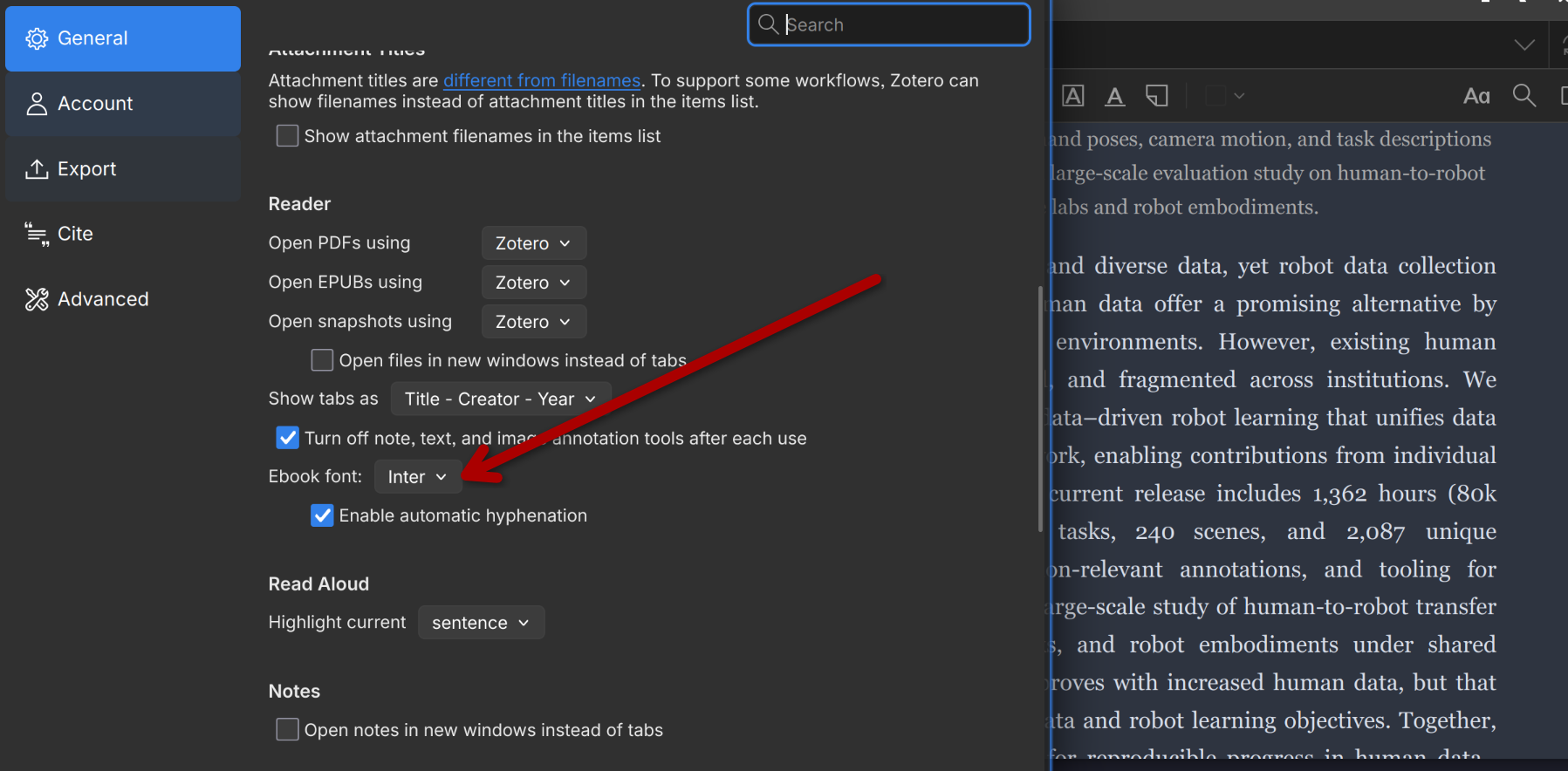
3. Open a PDF and click Reading Mode: the text renders in the default serif, not Inter, while
Settings still shows Ebook font = Inter.
https://s3.amazonaws.com/zotero.org/images/forums/u17425258/ykayf742abvt78twf042.png
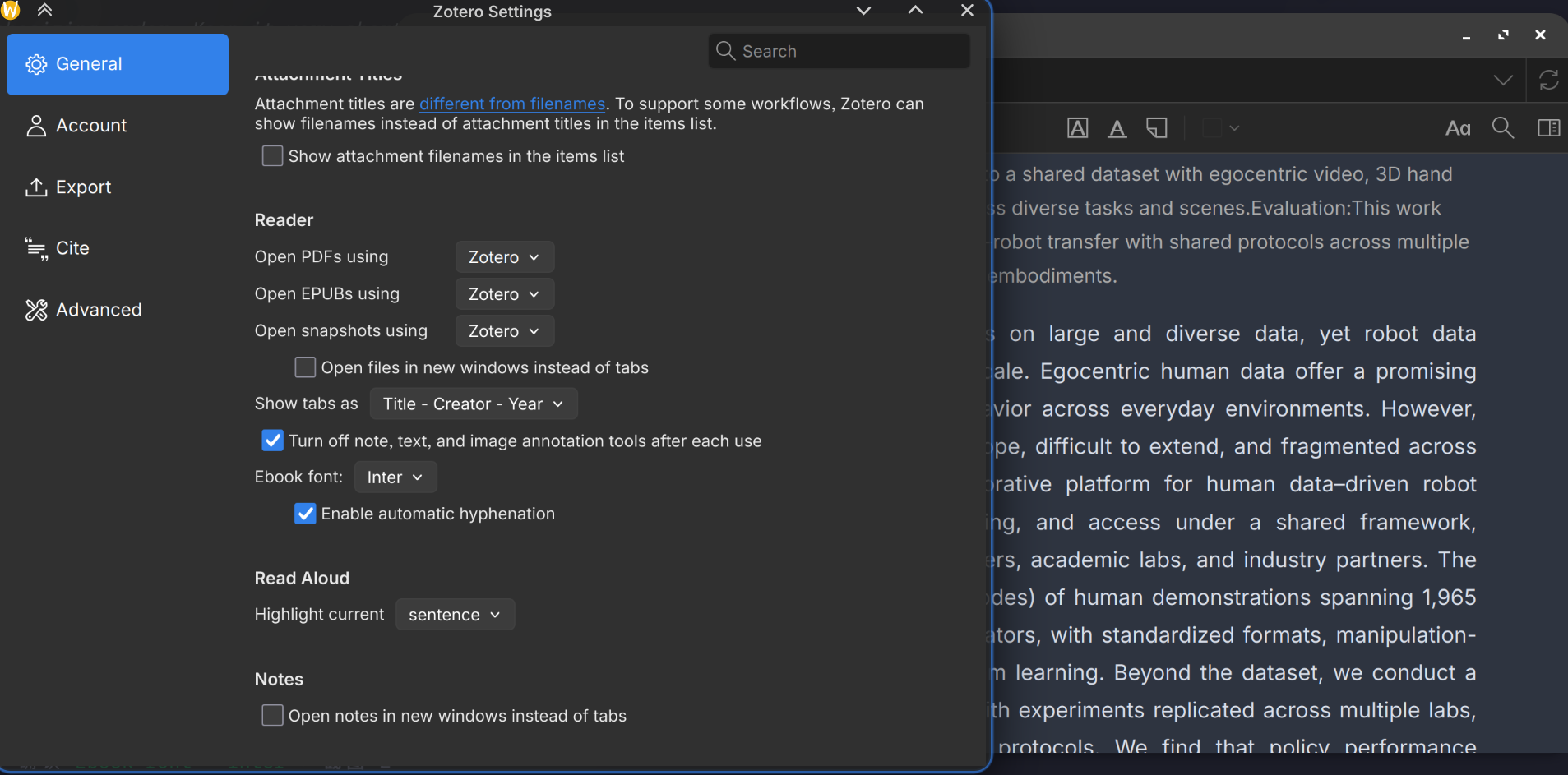
4. Change "Ebook font" to another font and back: the open document updates immediately.
https://s3.amazonaws.com/zotero.org/images/forums/u17425258/c52k7okbv3595b75n0qi.png
Expected: the font from Settings is used when the document is first rendered.
Debug ID: D1647694398
Related:
https://forums.zotero.org/discussion/133636/reading-mode-zotero-10
Thanks!
1. Edit > Settings > General > "Ebook font" = Inter.
2. Quit and start Zotero again.
3. Open a PDF and click Reading Mode: the text renders in the default serif, not Inter, while
Settings still shows Ebook font = Inter.
https://s3.amazonaws.com/zotero.org/images/forums/u17425258/ykayf742abvt78twf042.png
4. Change "Ebook font" to another font and back: the open document updates immediately.
https://s3.amazonaws.com/zotero.org/images/forums/u17425258/c52k7okbv3595b75n0qi.png
Expected: the font from Settings is used when the document is first rendered.
Debug ID: D1647694398
Related:
https://forums.zotero.org/discussion/133636/reading-mode-zotero-10
Thanks!
-
thf_Hey I also have this problem on MacOS Sequoia 15.3, it would be great if we could see a fix :)