
 Upgrade Storage
Help Needed: Random doc pages become unreadable, text & annotation color change to match background
Hi all, I'm hoping some guidance could be provided about a frustrating issue I'm having with Zotero. On the PC program version and on my iPad, multiple documents have suddenly changed in random places, making them unreadable. The document text and my written annotations disappear (they aren't actually gone, but they become white and blend in with the background). I was convinced they were gone until I realized I could still select text. Changing the file theme or my overall Zotero dark/light mode settings don't fix anything.
The documents appear normally when opening them on the web browser version of Zotero. If I export them, they read normally within Firefox, but if I open them as a separate pdf file they recreate the issue.
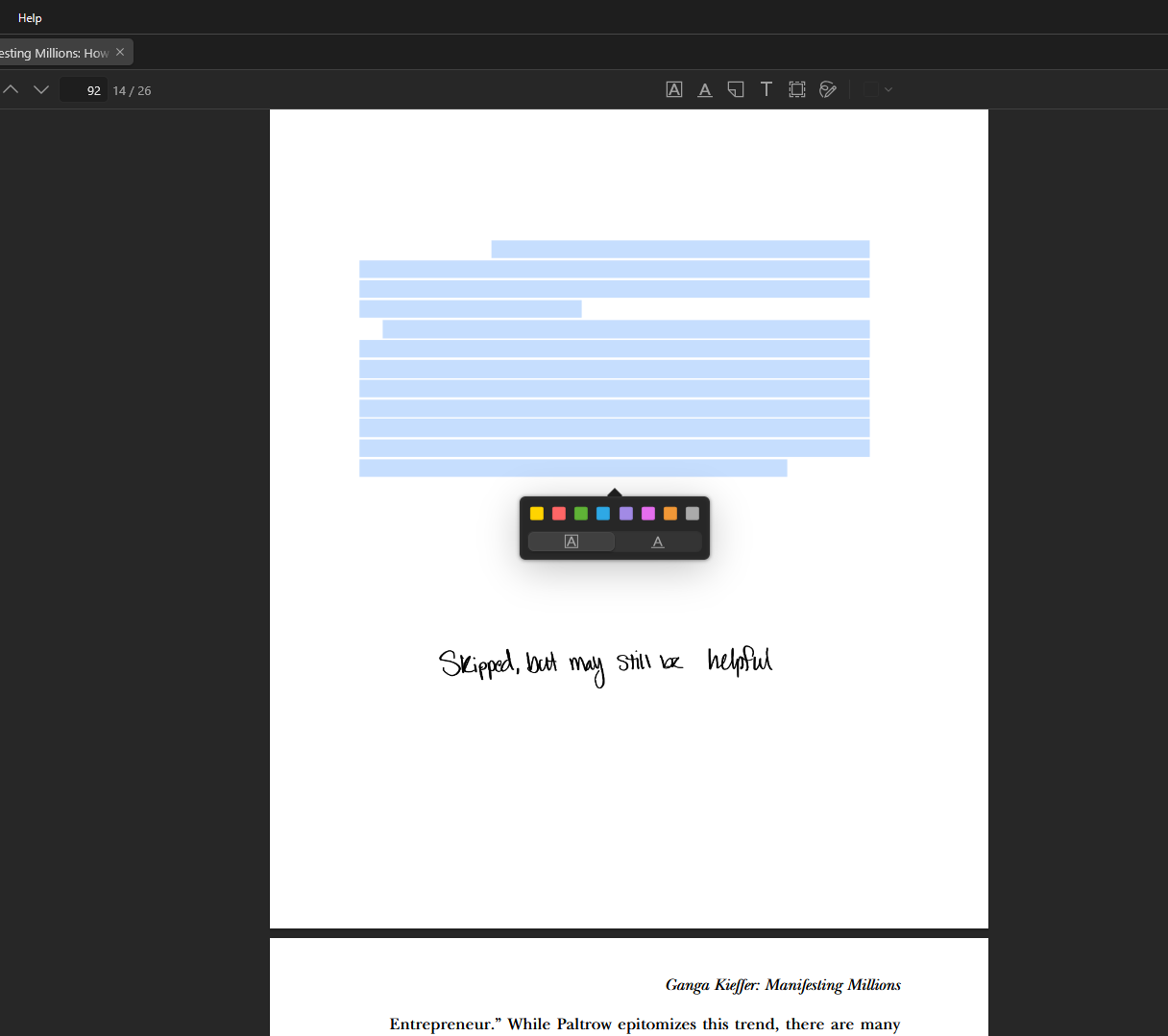
Here is an example from the desktop program:
https://s3.amazonaws.com/zotero.org/images/forums/u14834395/cmdhbsfixbpe2i68vn70.png
Here is the same spot in the document from the webpage version:
https://s3.amazonaws.com/zotero.org/images/forums/u14834395/q9lhmo40k3sjggatefcd.png
You can see that the next page loads normally. However, there are 10+ completely blank pages before. I showed this one because you can see how the "skipped, but may still be helpful" annotation is present in both, but the line by it isn't, and there's highlighting and another annotation seen in the webpage version that doesn't appear on desktop. That's the case for the vast majority of my annotations (just totally blank).
Any help is greatly appreciated!
The documents appear normally when opening them on the web browser version of Zotero. If I export them, they read normally within Firefox, but if I open them as a separate pdf file they recreate the issue.
Here is an example from the desktop program:
https://s3.amazonaws.com/zotero.org/images/forums/u14834395/cmdhbsfixbpe2i68vn70.png
Here is the same spot in the document from the webpage version:
https://s3.amazonaws.com/zotero.org/images/forums/u14834395/q9lhmo40k3sjggatefcd.png
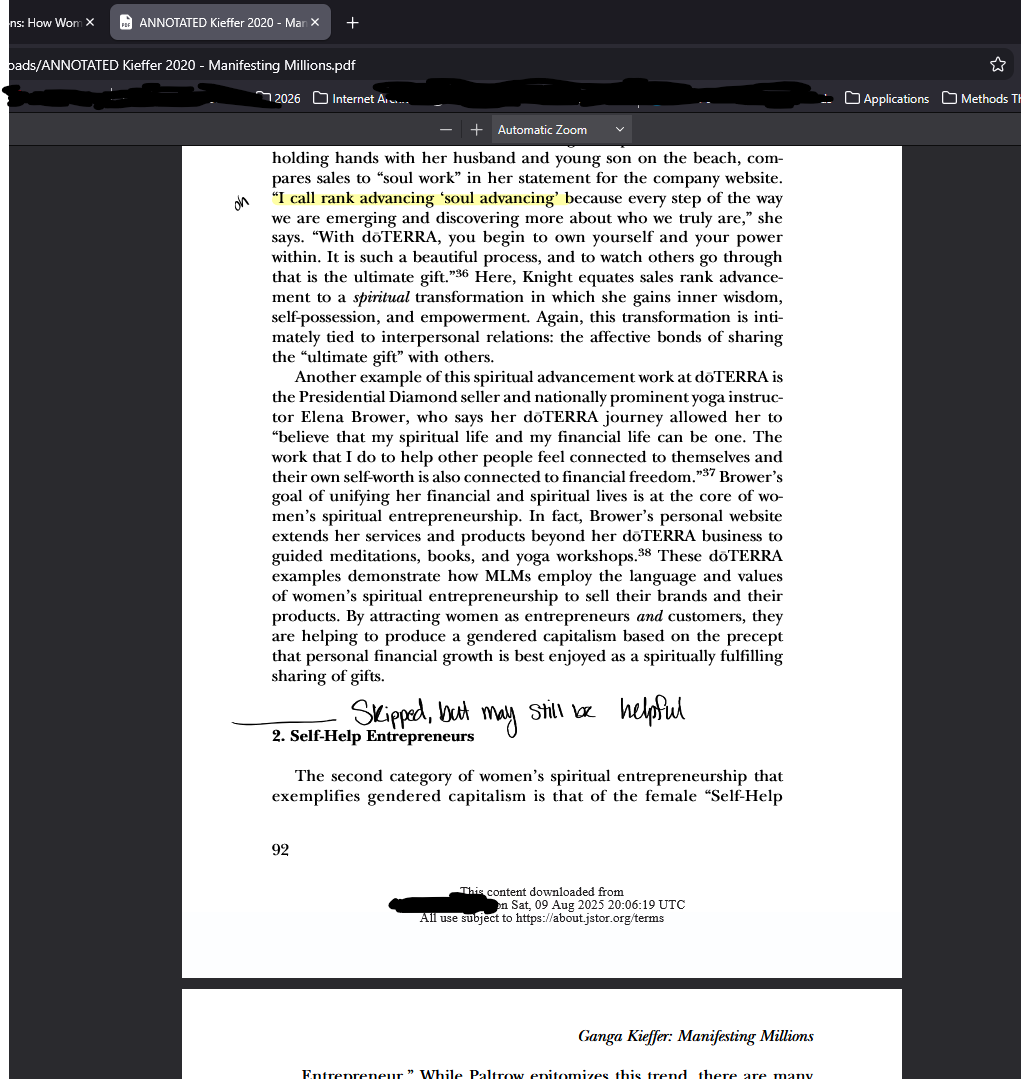
You can see that the next page loads normally. However, there are 10+ completely blank pages before. I showed this one because you can see how the "skipped, but may still be helpful" annotation is present in both, but the line by it isn't, and there's highlighting and another annotation seen in the webpage version that doesn't appear on desktop. That's the case for the vast majority of my annotations (just totally blank).
Any help is greatly appreciated!