
 Upgrade Storage
Issues with Synchronizing Old and New Accounts
https://s3.amazonaws.com/zotero.org/images/forums/u10574209/n47svspvuqh636uj36s9.jpg
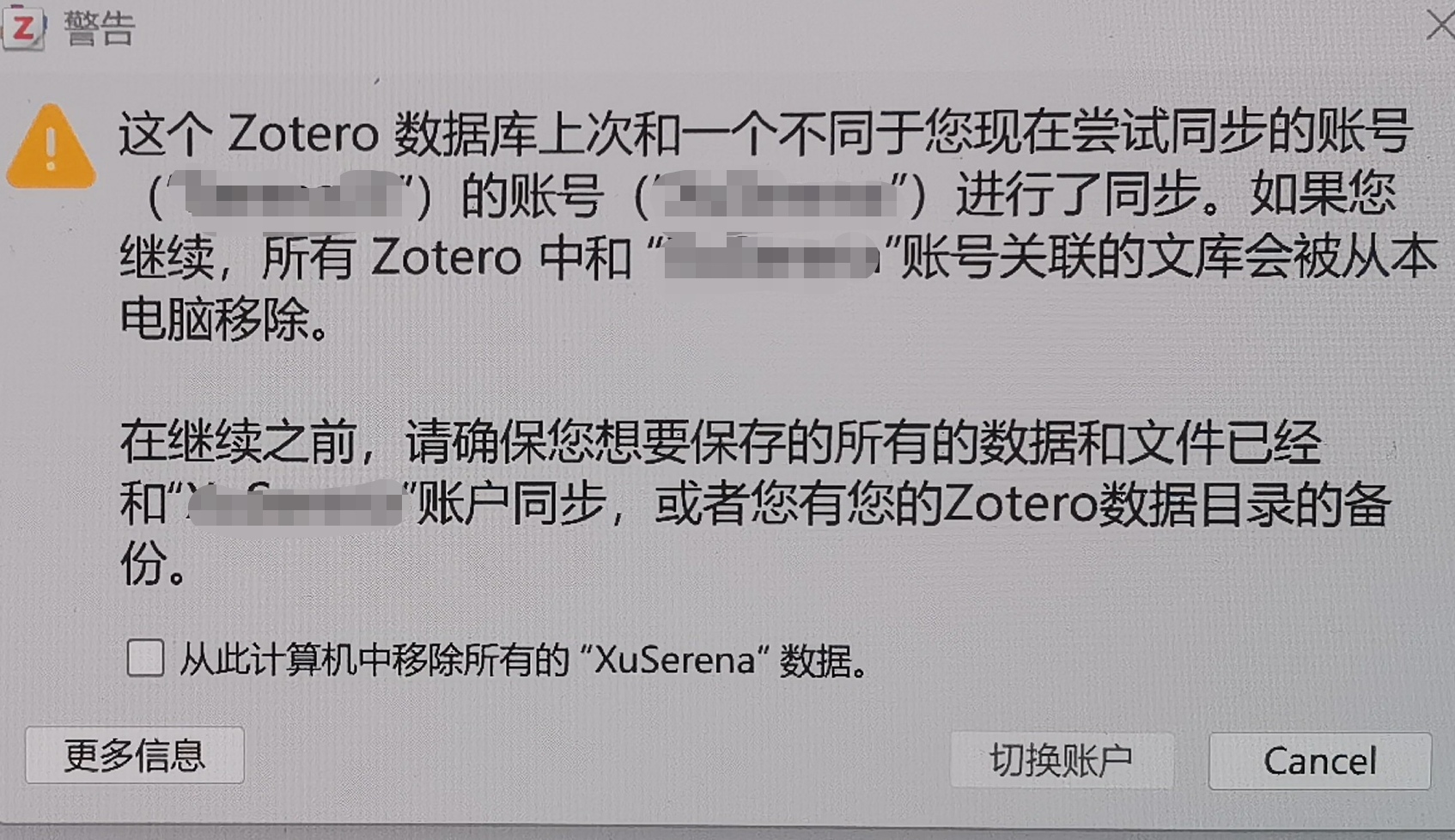
After logging into my account on my new computer, I accidentally created a new account, but the data is identical to my old account—it’s all synced from Jiaogou Cloud. However, when I use Zotero on my new computer, a pop-up window keeps appearing like this.What will happen if I click “Remove old account data” and switch accounts on my computer?
Do not click through that dialog. Delete the new account and continue syncing with the old account:
https://www.zotero.org/settings/security#delete
(Note that the account you're posting from is an empty account with no data in it, and it's also not a new account, so I assume this is some other unrelated account?)
Delete this empty account using the link above and continue syncing with your other account, which is associated with a different email address.
Email support@zotero.org if you’re having trouble logging into that one.