
 Upgrade Storage
Help! Zotero Error In Google Docs Reference: 809516569
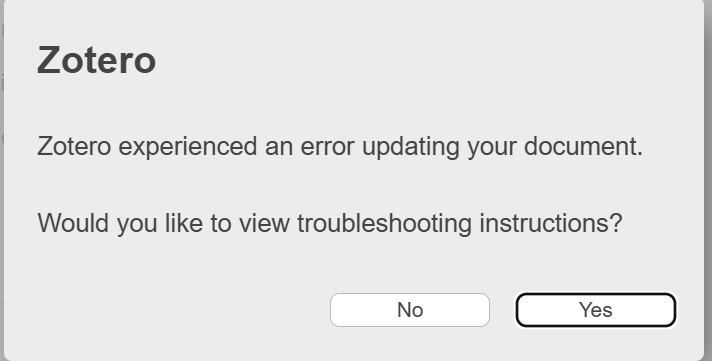
As my document was going to be around 100 pages I never had auto-update on. When I reached 103 pages an error message popped up saying that an error has occurred. I removed 70 pages of text, tried again and an error message was still returned. If I try to cite in a blank document the citation immediately becomes un-linked, so I no longer believe that this is a size of document issue.
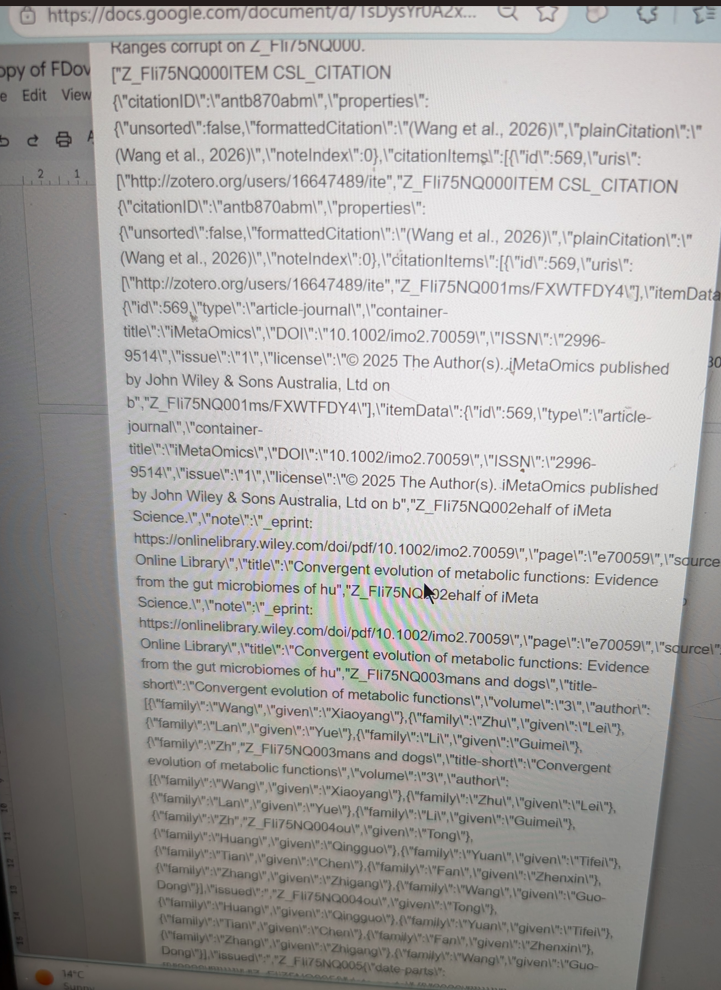
At one point I had a very long javascript error pop up, but that has only happened once. This issue happens in chrome and edge, and in both personal and private windows. I can't even select to change word processors as the same error message appears.
To note, I do not have my data saved in cloud, it is all saved locally on my device. I also have plenty of storage as this was upgraded a few months ago.
To try and solve this issue I have:
1) Cleared all browsing cookies
2) Restarted Zotero
3) Restarted my browser
4) Restarted my computer
5) Re-downloaded the Zotero extension (and Zotero itself)
6) Reset translators
7) Opened Zotero in troubleshooting mode (the problem does not change)
8) Attempted to cite in a new document
9) Reduced my original document size
10) Shared access with a separate google account and attempted to refresh Zotero using that account
11) Used Chrome instead of Edge
12) Used private windows in both Chrome and Edge
No fixes have worked so far.
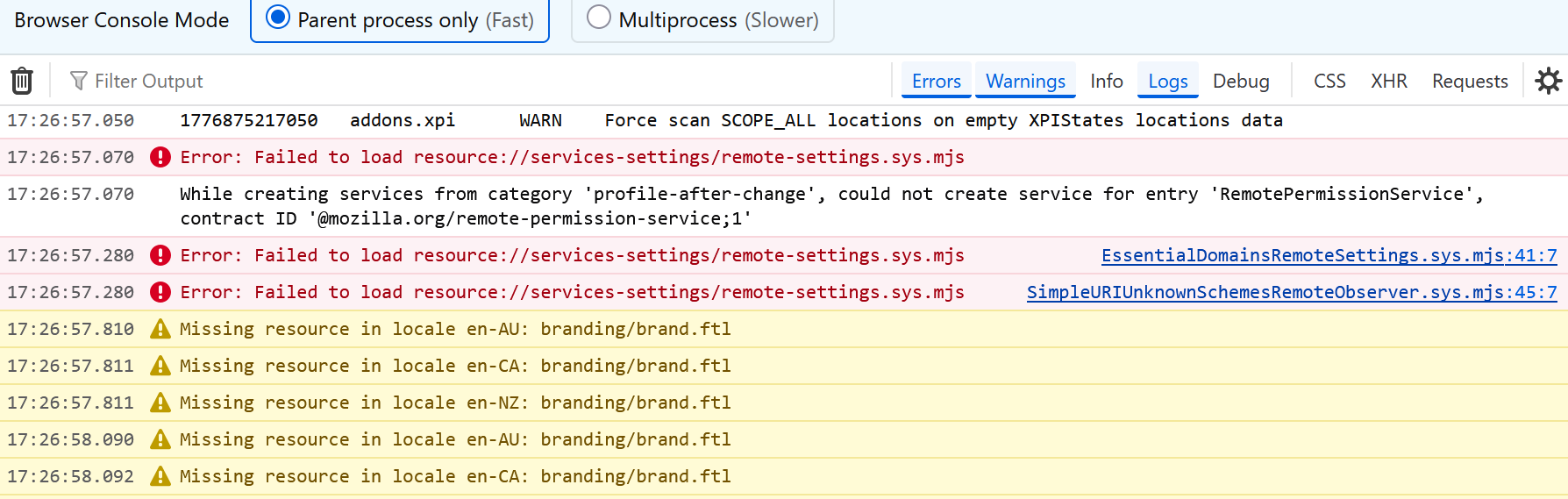
I have attached the error message, javascript error and Error Console screenshot below.
https://s3.amazonaws.com/zotero.org/images/forums/u16647489/b0aysrmtu2eosd6jd8g5.png
https://s3.amazonaws.com/zotero.org/images/forums/u16647489/296yngmmwkuqojhslql2.png
https://s3.amazonaws.com/zotero.org/images/forums/u16647489/libbl2lsthy80v3caeis.png
My final year coursework is due and I need to send it off with my bibliography, so this is posing quite a challenge.
At one point I had a very long javascript error pop up, but that has only happened once. This issue happens in chrome and edge, and in both personal and private windows. I can't even select to change word processors as the same error message appears.
To note, I do not have my data saved in cloud, it is all saved locally on my device. I also have plenty of storage as this was upgraded a few months ago.
To try and solve this issue I have:
1) Cleared all browsing cookies
2) Restarted Zotero
3) Restarted my browser
4) Restarted my computer
5) Re-downloaded the Zotero extension (and Zotero itself)
6) Reset translators
7) Opened Zotero in troubleshooting mode (the problem does not change)
8) Attempted to cite in a new document
9) Reduced my original document size
10) Shared access with a separate google account and attempted to refresh Zotero using that account
11) Used Chrome instead of Edge
12) Used private windows in both Chrome and Edge
No fixes have worked so far.
I have attached the error message, javascript error and Error Console screenshot below.
https://s3.amazonaws.com/zotero.org/images/forums/u16647489/b0aysrmtu2eosd6jd8g5.png
https://s3.amazonaws.com/zotero.org/images/forums/u16647489/296yngmmwkuqojhslql2.png
https://s3.amazonaws.com/zotero.org/images/forums/u16647489/libbl2lsthy80v3caeis.png
My final year coursework is due and I need to send it off with my bibliography, so this is posing quite a challenge.
If this occurs in a new document, produce a Debug ID for a new document too. A screen recording may also be helpful if this occurs in a new document.