
 Upgrade Storage
Big problem LibreOffice and Word: cannot convert citation format with expired license
I have a Microsoft Word .docx document with citations.
My contract with the university ended and they removed my Microsoft Office license.
So I need to use LibreOffice Writer.
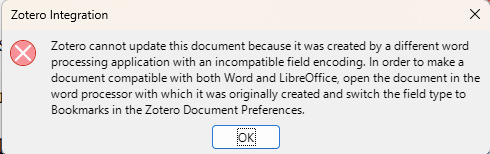
But when I open the document with LibreOffice Writer, it asks me to change the citation type to Bookmarks
https://s3.amazonaws.com/zotero.org/images/forums/u6999667/jv0xnbcn08hr6nez0vq1.png
This is due to this bug, which has carried on at least since 2018:
https://github.com/zotero/zotero-libreoffice-integration/issues/39
But there is a problem in opening Word and changing the field type to Bookmarks in the Zotero preferences.
The problem is that I don't have a Microsoft Word license.
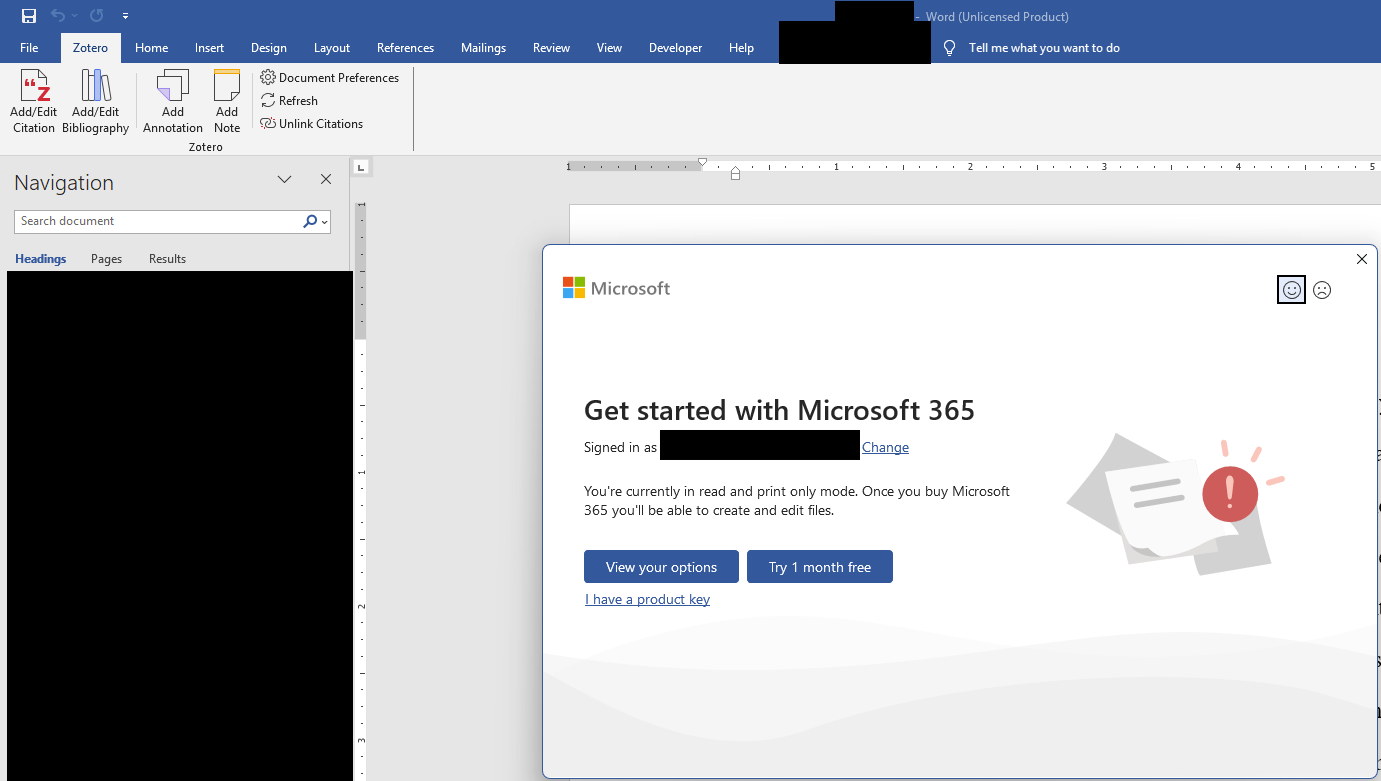
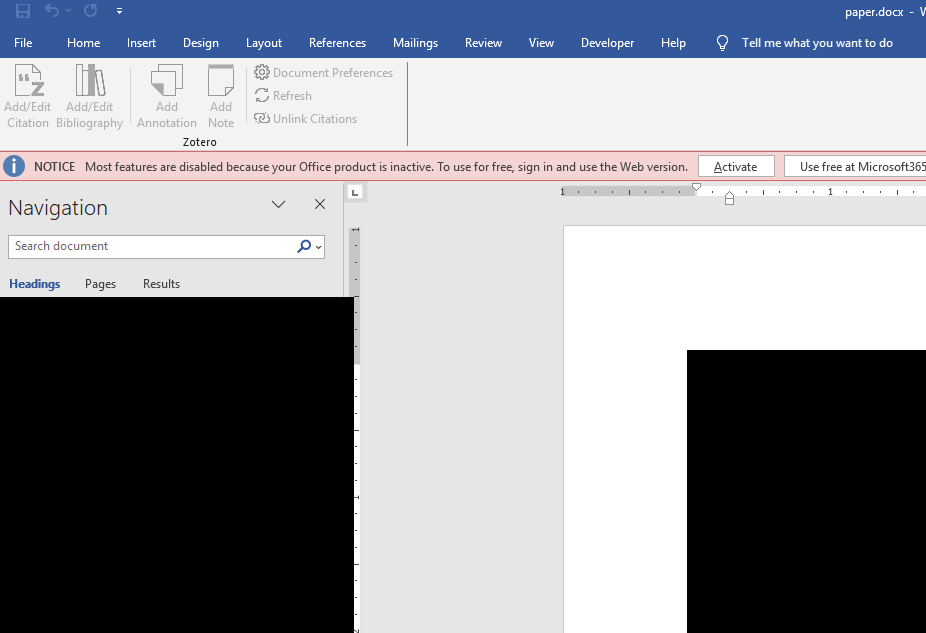
And when Word realizes you don't have a license, all Word functionalities are greyed out, and the "Zotero" tab in the ribbon doesn't even show up:
https://s3.amazonaws.com/zotero.org/images/forums/u6999667/tfb9p92bo9urylsi0klr.png
https://s3.amazonaws.com/zotero.org/images/forums/u6999667/vwh4on071o6v9dzn9sr8.png
Is there a way to change the type from the command line without opening Microsoft Word?
How can I restore my document?
Please help
My contract with the university ended and they removed my Microsoft Office license.
So I need to use LibreOffice Writer.
But when I open the document with LibreOffice Writer, it asks me to change the citation type to Bookmarks
https://s3.amazonaws.com/zotero.org/images/forums/u6999667/jv0xnbcn08hr6nez0vq1.png
This is due to this bug, which has carried on at least since 2018:
https://github.com/zotero/zotero-libreoffice-integration/issues/39
But there is a problem in opening Word and changing the field type to Bookmarks in the Zotero preferences.
The problem is that I don't have a Microsoft Word license.
And when Word realizes you don't have a license, all Word functionalities are greyed out, and the "Zotero" tab in the ribbon doesn't even show up:
https://s3.amazonaws.com/zotero.org/images/forums/u6999667/tfb9p92bo9urylsi0klr.png
https://s3.amazonaws.com/zotero.org/images/forums/u6999667/vwh4on071o6v9dzn9sr8.png
Is there a way to change the type from the command line without opening Microsoft Word?
How can I restore my document?
Please help
I have a lot of documents with citations.
Should I convert them all before the free trial ends?