
 Upgrade Storage
Rogue PDF Attachment showing up in Parent Items
Newbie here. Just starting to learn about Zotero and first time on this forum.
Primarily want to use Zotero to help me index various personal archives, family, career, and other interests. I hope to do this by linking to scanned files in existing directories and then using Zotero to add tags and metadata to enable filtering and sorting. Maybe also use it with OMEKA and Obsidian in the future.
Current issue (some screenshots attached):
I start by adding a linked attachment: File > Add Attachment > Add Link to File. That works fine
I then create a Parent Item with Manual Entry.
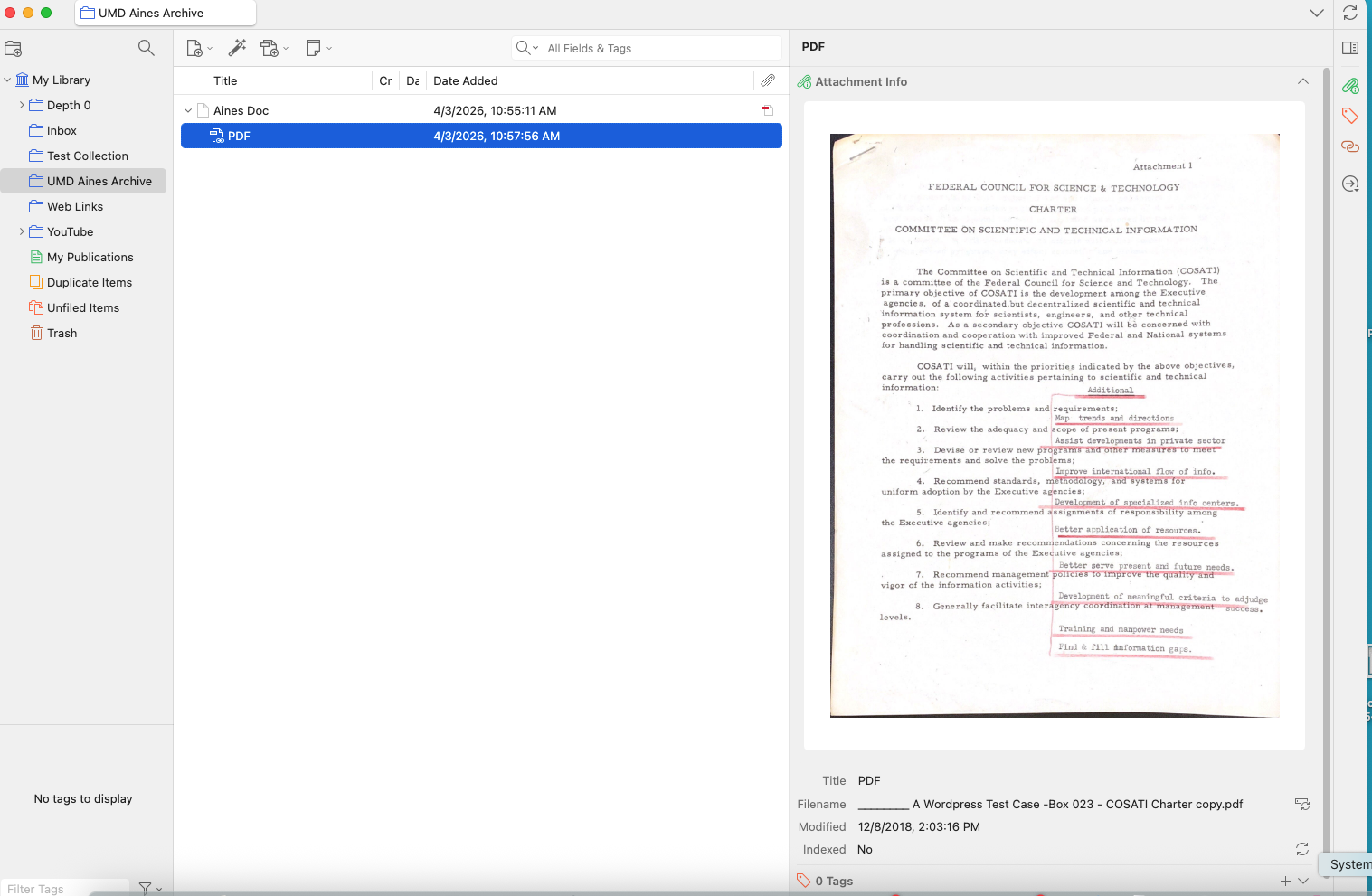
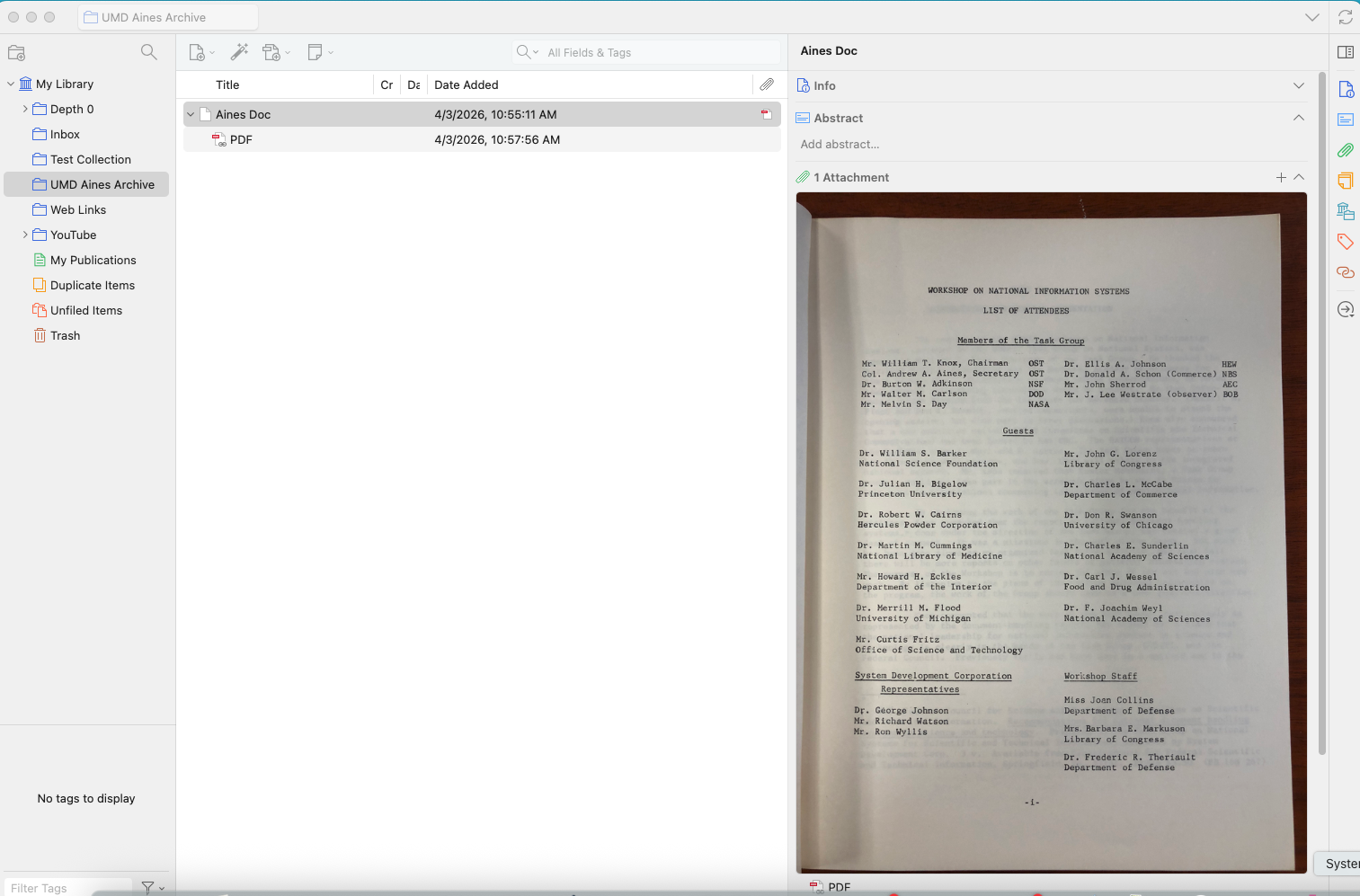
PROBLEM: When I look at the Parent Item, in the right-hand column, it shows an attachment that is not the linked file. Rather, it is a PDF I previously linked. The same rogue PDF keeps showing up whenever I create a new Parent Item.
FWIW, and maybe of interest to some of you, the little test archive that I am working with is from early US government investigations in the 1960's and 70's regarding the future role of computer technology and how to coordinate its use in the federal government. The project was led by Col. Andrew Aines and was under the umbrella of COSATI - Committee on Scientific and Technical Information of the Federal Council for Science and Technology. Col. Aines' archive is at the University of Maryland, and I started down this rabbit hole because my father-in-law was involved in the project. It is fun to see what our fathers and grandfathers thought of all this, and what they were able to foresee and what they could never imagine. If you are interested in discussing this, I'd love to chat about it.
Original Linked PDF
https://s3.amazonaws.com/zotero.org/images/forums/u13788217/73yoxpp939i5cofj8kqd.png
Rogue PDF in Parent Item
https://s3.amazonaws.com/zotero.org/images/forums/u13788217/me2qlnu3nlok0nbvk17j.png
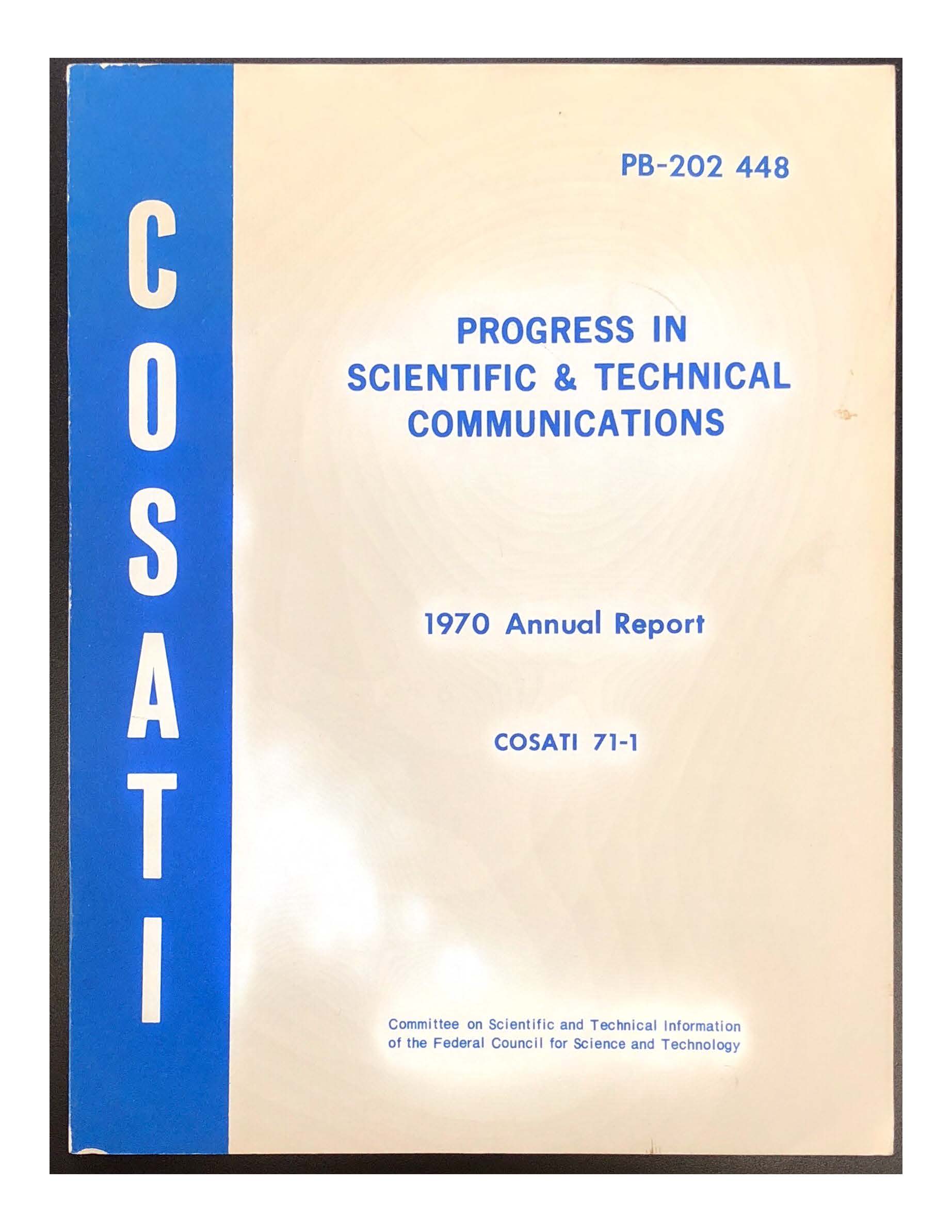
Cover from the 1970 COSANTI Annual Report
https://s3.amazonaws.com/zotero.org/images/forums/u13788217/fkl7i7nsix32whbq9zz4.jpg
Primarily want to use Zotero to help me index various personal archives, family, career, and other interests. I hope to do this by linking to scanned files in existing directories and then using Zotero to add tags and metadata to enable filtering and sorting. Maybe also use it with OMEKA and Obsidian in the future.
Current issue (some screenshots attached):
I start by adding a linked attachment: File > Add Attachment > Add Link to File. That works fine
I then create a Parent Item with Manual Entry.
PROBLEM: When I look at the Parent Item, in the right-hand column, it shows an attachment that is not the linked file. Rather, it is a PDF I previously linked. The same rogue PDF keeps showing up whenever I create a new Parent Item.
FWIW, and maybe of interest to some of you, the little test archive that I am working with is from early US government investigations in the 1960's and 70's regarding the future role of computer technology and how to coordinate its use in the federal government. The project was led by Col. Andrew Aines and was under the umbrella of COSATI - Committee on Scientific and Technical Information of the Federal Council for Science and Technology. Col. Aines' archive is at the University of Maryland, and I started down this rabbit hole because my father-in-law was involved in the project. It is fun to see what our fathers and grandfathers thought of all this, and what they were able to foresee and what they could never imagine. If you are interested in discussing this, I'd love to chat about it.
Original Linked PDF
https://s3.amazonaws.com/zotero.org/images/forums/u13788217/73yoxpp939i5cofj8kqd.png
Rogue PDF in Parent Item
https://s3.amazonaws.com/zotero.org/images/forums/u13788217/me2qlnu3nlok0nbvk17j.png
Cover from the 1970 COSANTI Annual Report
https://s3.amazonaws.com/zotero.org/images/forums/u13788217/fkl7i7nsix32whbq9zz4.jpg
Thanks for the prompt and useful reply.
>>>Mike
And again, exiting out of Zotero and restarting it fixed the problem, and all the parent items have the same file as their attachments.
I was probably doing batches of them the first time this occurred.