
 Upgrade Storage
Images not displaying in Android app notes (but visible on iOS for the same note)
Hello Zotero team,
I encountered an issue with note rendering on the Android app.
I created a note that contains embedded images. The same note is synced across devices and behaves differently:
On iOS: the images are displayed correctly within the note.
On Android: the images do not appear at all, leaving blank placeholders.
Details:
The note content is identical and synced properly.
The images were inserted into the note (not external links).
The images exist in the Zotero storage folder and sync normally.
Text content displays correctly on both platforms — only images are missing on Android.
Screenshots:
https://s3.amazonaws.com/zotero.org/images/forums/u11987585/uso6lc4gizhyk0v2zkak.png
iOS view: images render correctly
https://s3.amazonaws.com/zotero.org/images/forums/u11987585/4h3xs3bnwzyk7czqkp2r.jpg
Android view: image areas appear blank
(Attached for comparison)
Environment:
Zotero Android app version: 1.0.0-229
Zotero iOS app version: 1.0.50 Build 333
Database sync: Zotero official sync
Attachment sync: WebDAV (Nutstore)
Expected behavior:
Images embedded in notes should display consistently across platforms.
Actual behavior:
Images fail to render in Android notes, while the same note works correctly on iOS.
This seems like a rendering or attachment handling issue specific to the Android app.
Please let me know if additional logs or debugging information are needed.
Thank you!
I encountered an issue with note rendering on the Android app.
I created a note that contains embedded images. The same note is synced across devices and behaves differently:
On iOS: the images are displayed correctly within the note.
On Android: the images do not appear at all, leaving blank placeholders.
Details:
The note content is identical and synced properly.
The images were inserted into the note (not external links).
The images exist in the Zotero storage folder and sync normally.
Text content displays correctly on both platforms — only images are missing on Android.
Screenshots:
https://s3.amazonaws.com/zotero.org/images/forums/u11987585/uso6lc4gizhyk0v2zkak.png

iOS view: images render correctly
https://s3.amazonaws.com/zotero.org/images/forums/u11987585/4h3xs3bnwzyk7czqkp2r.jpg
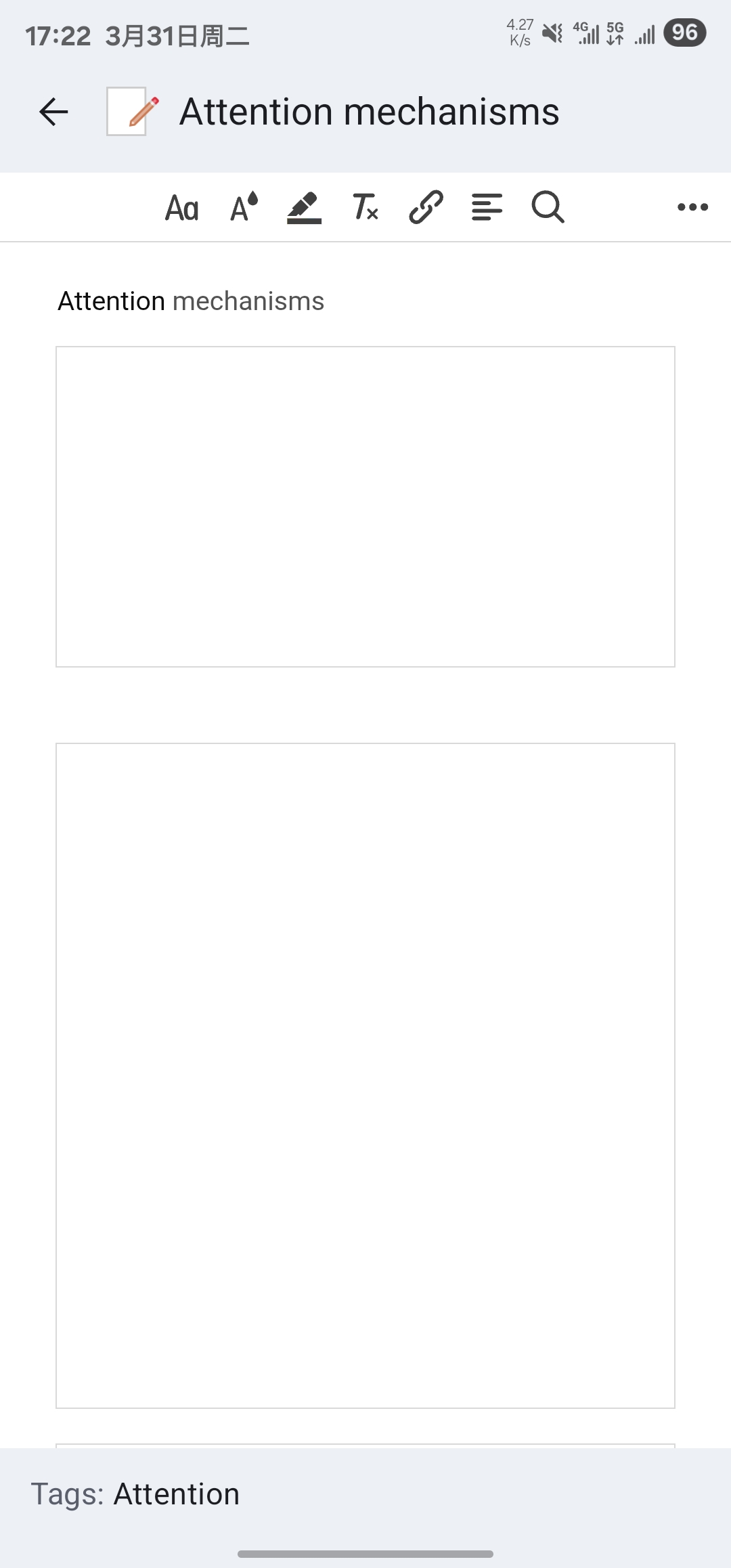
Android view: image areas appear blank
(Attached for comparison)
Environment:
Zotero Android app version: 1.0.0-229
Zotero iOS app version: 1.0.50 Build 333
Database sync: Zotero official sync
Attachment sync: WebDAV (Nutstore)
Expected behavior:
Images embedded in notes should display consistently across platforms.
Actual behavior:
Images fail to render in Android notes, while the same note works correctly on iOS.
This seems like a rendering or attachment handling issue specific to the Android app.
Please let me know if additional logs or debugging information are needed.
Thank you!
-
izasfvI'm having the same problem.