
 Upgrade Storage
[Bug Report] Double-clicking "My Library" redirects to a 404 "Page Not Found" web URL
I've encountered a reproducible bug in the Zotero desktop client regarding the "My Library" node in the left navigation tree.
Steps to reproduce:
Open the Zotero desktop application.
In the left-hand pane, double-click on the top-level "My Library" icon.
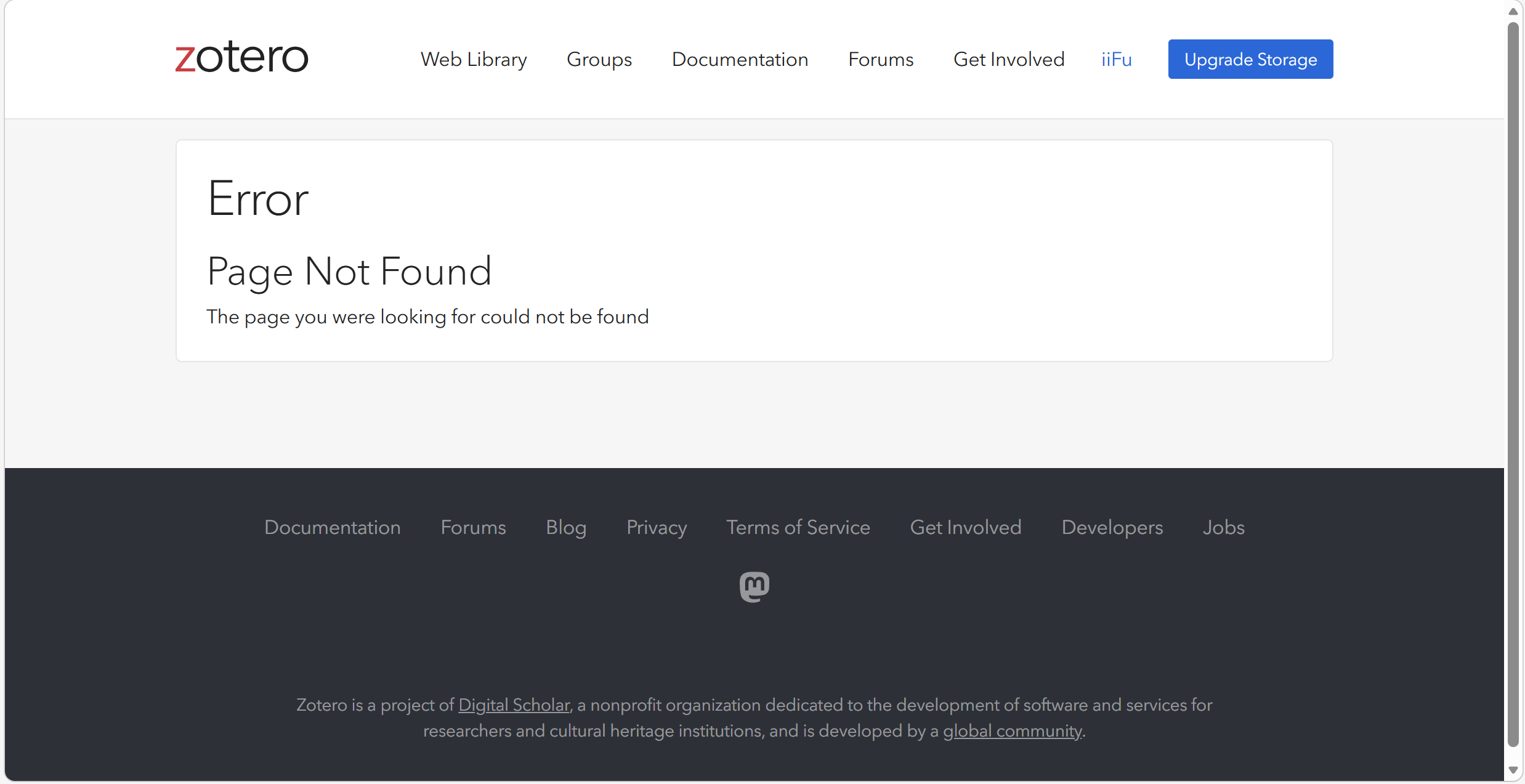
Actual Behavior: Zotero automatically opens the system's default web browser and attempts to navigate to a specific user library URL, formatted like https://www.zotero.org/users/[user_id]/items. However, this routing seems to be outdated or invalid, resulting in a "Page Not Found" (404) error page on the Zotero website.
Expected Behavior: Similar to double-clicking other built-in system nodes (like "My Publications" or "Duplicate Items"), double-clicking "My Library" should either have no special routing effect (behaving like a single click) or properly refresh the main item list. If the intentional design is to open the user's web library, it should redirect to the correct, actively supported URL.
Environment:
Zotero Version: 8.0.4
OS: Windows 11
I hope this helps in tracking down this minor UI issue!
https://s3.amazonaws.com/zotero.org/images/forums/u19909485/i4kdx67yw20cfy0rr90k.png
Steps to reproduce:
Open the Zotero desktop application.
In the left-hand pane, double-click on the top-level "My Library" icon.
Actual Behavior: Zotero automatically opens the system's default web browser and attempts to navigate to a specific user library URL, formatted like https://www.zotero.org/users/[user_id]/items. However, this routing seems to be outdated or invalid, resulting in a "Page Not Found" (404) error page on the Zotero website.
Expected Behavior: Similar to double-clicking other built-in system nodes (like "My Publications" or "Duplicate Items"), double-clicking "My Library" should either have no special routing effect (behaving like a single click) or properly refresh the main item list. If the intentional design is to open the user's web library, it should redirect to the correct, actively supported URL.
Environment:
Zotero Version: 8.0.4
OS: Windows 11
I hope this helps in tracking down this minor UI issue!
https://s3.amazonaws.com/zotero.org/images/forums/u19909485/i4kdx67yw20cfy0rr90k.png
-
dstillman Zotero TeamYes, we had to disable that URL scheme (due to abuse). We'll update.