
 Upgrade Storage
Google docs not working midway through adding citations
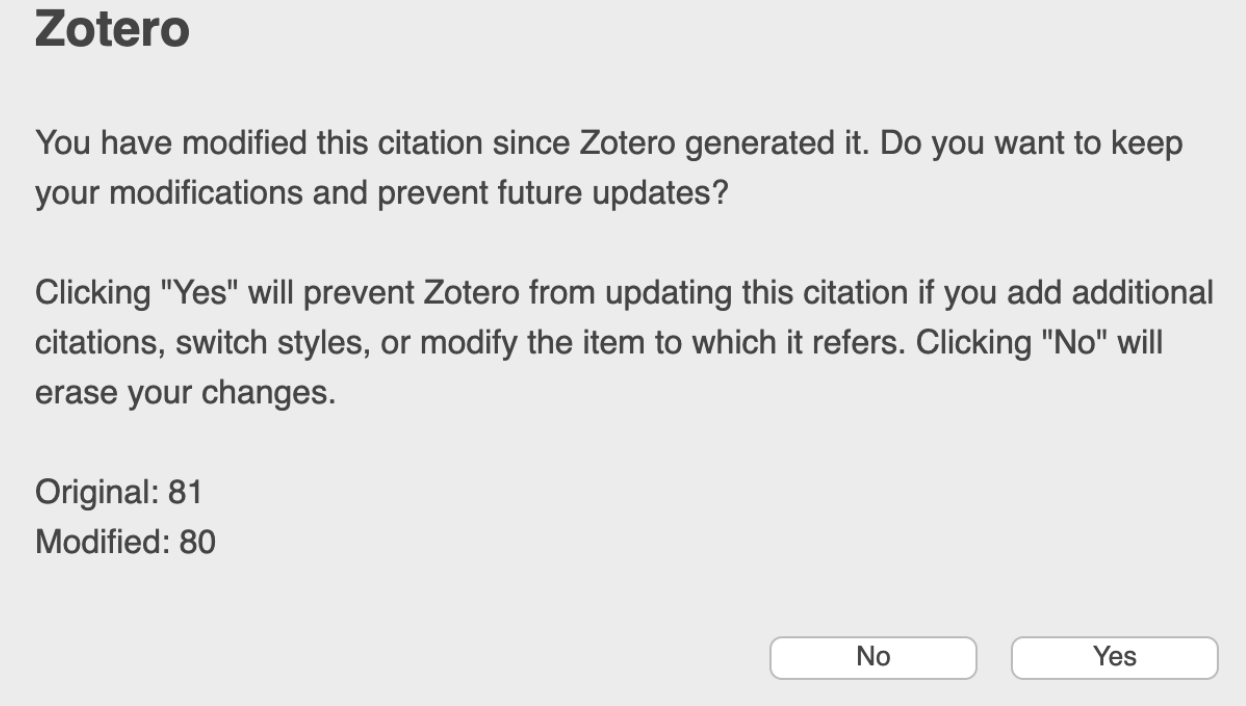
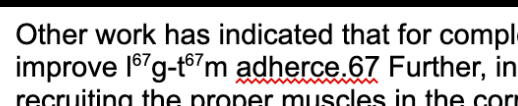
Midway through working on a google doc - adding references started throwing this error message, and whether or not we press no or yes, it then keeps popping up over and over. Once it's gone through all the subsequent citations, it then renders the text within the document to be half deleted / interrupted with citations.
Have already:
1. Restarted google docs / restarted zotero / disabled and re-enabled the firefox and chrome zotero add-in for google docs
2. Made a copy / deleted the buggy half of the copy
https://s3.amazonaws.com/zotero.org/images/forums/u2680899/0iyl8nf3f4o67e0h71tx.png
https://s3.amazonaws.com/zotero.org/images/forums/u2680899/kfmy3mthcni2z9twrzf4.png
Do not want to unlink citations as at this point i do not know which citation is associated with which number any more. It will not allow me to create a bibliography before delinking either (because it throws the same error message).
Please help, thank you for considering!
Have already:
1. Restarted google docs / restarted zotero / disabled and re-enabled the firefox and chrome zotero add-in for google docs
2. Made a copy / deleted the buggy half of the copy
https://s3.amazonaws.com/zotero.org/images/forums/u2680899/0iyl8nf3f4o67e0h71tx.png
https://s3.amazonaws.com/zotero.org/images/forums/u2680899/kfmy3mthcni2z9twrzf4.png
Do not want to unlink citations as at this point i do not know which citation is associated with which number any more. It will not allow me to create a bibliography before delinking either (because it throws the same error message).
Please help, thank you for considering!
If you can figure out what edits triggered this bug to start happening, do let us know as we'd like to see if it's an issue caused by Zotero and whether we can fix it.
I will try with only word from now on - but how can I see what the previous references were in Google Docs if it won't let me make a bibliography to at least see what the 63 references so far are corresponding to? (There are AMA style - just numbers!)
This isn't standard or expected behavior on Google Docs, and it should just work. If it doesn't, and you help us troubleshoot this, we'll fix it for you and other Zotero users. If this is urgent work, you can of course switch to Word, but we would still appreciate if you troubleshooted this with us, as per instructions above.