
 Upgrade Storage
Has iPad OS 26.3 beta 2 broken Zotero app sync?
I can’t generate a Debug ID due to lack of connection to Zotero servers. Disabling adblock VPN (DNS filter) doesn’t help, and there was no change in internet provider/setup this week. During forced sync about 2600 lines are generated, but it won’t create a debug file. No error message following the debug attempt after waiting 3-4 minutes (M4 iPad Pro with 16 GB of RAM, the app remains responsive).
https://s3.amazonaws.com/zotero.org/images/forums/u2888205/dutx6vjrnaiftt1qrj5r.png
https://s3.amazonaws.com/zotero.org/images/forums/u2888205/9htwxcs6p0cz49zzuh4a.jpg
https://s3.amazonaws.com/zotero.org/images/forums/u2888205/dutx6vjrnaiftt1qrj5r.png
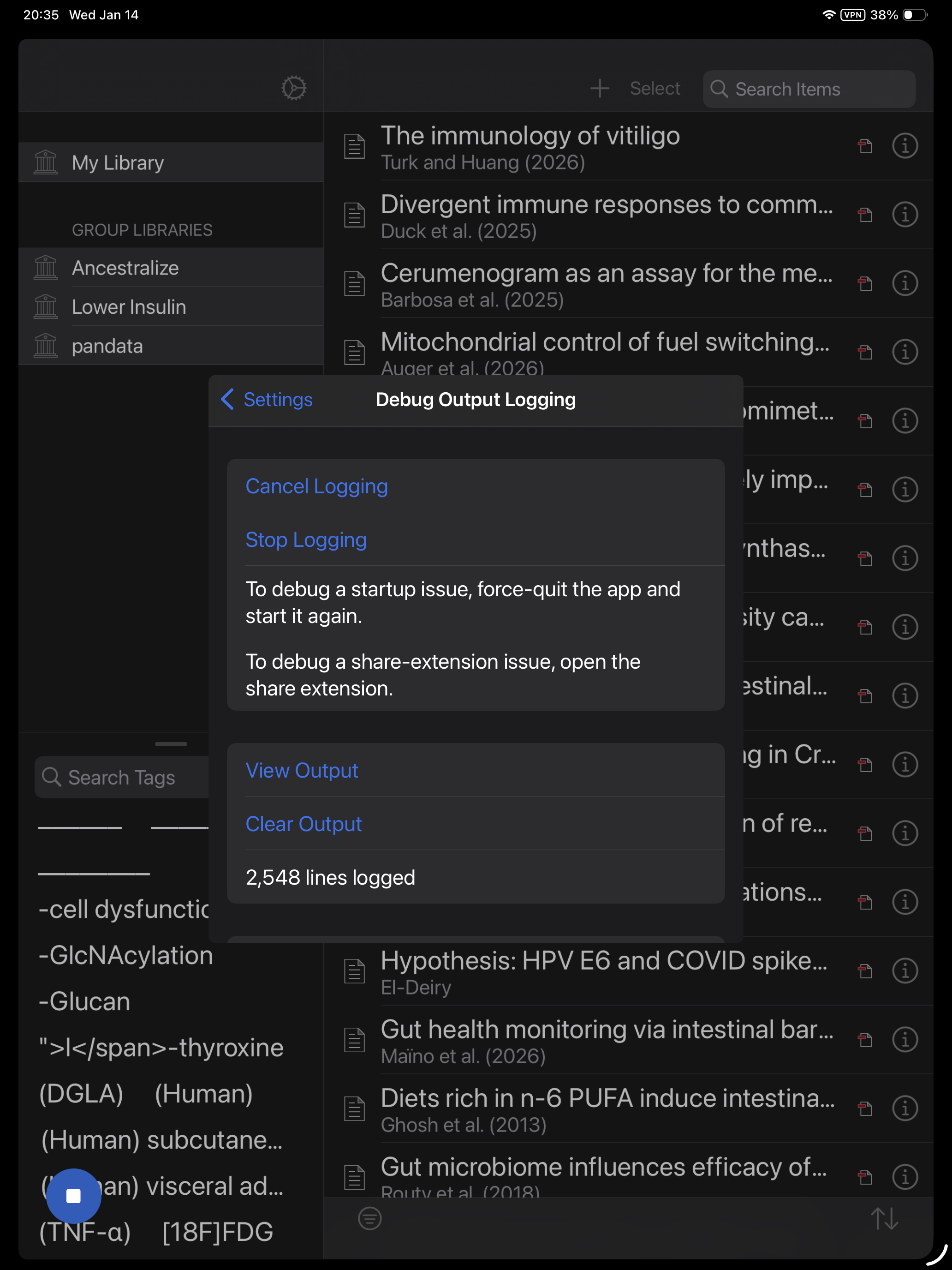
https://s3.amazonaws.com/zotero.org/images/forums/u2888205/9htwxcs6p0cz49zzuh4a.jpg
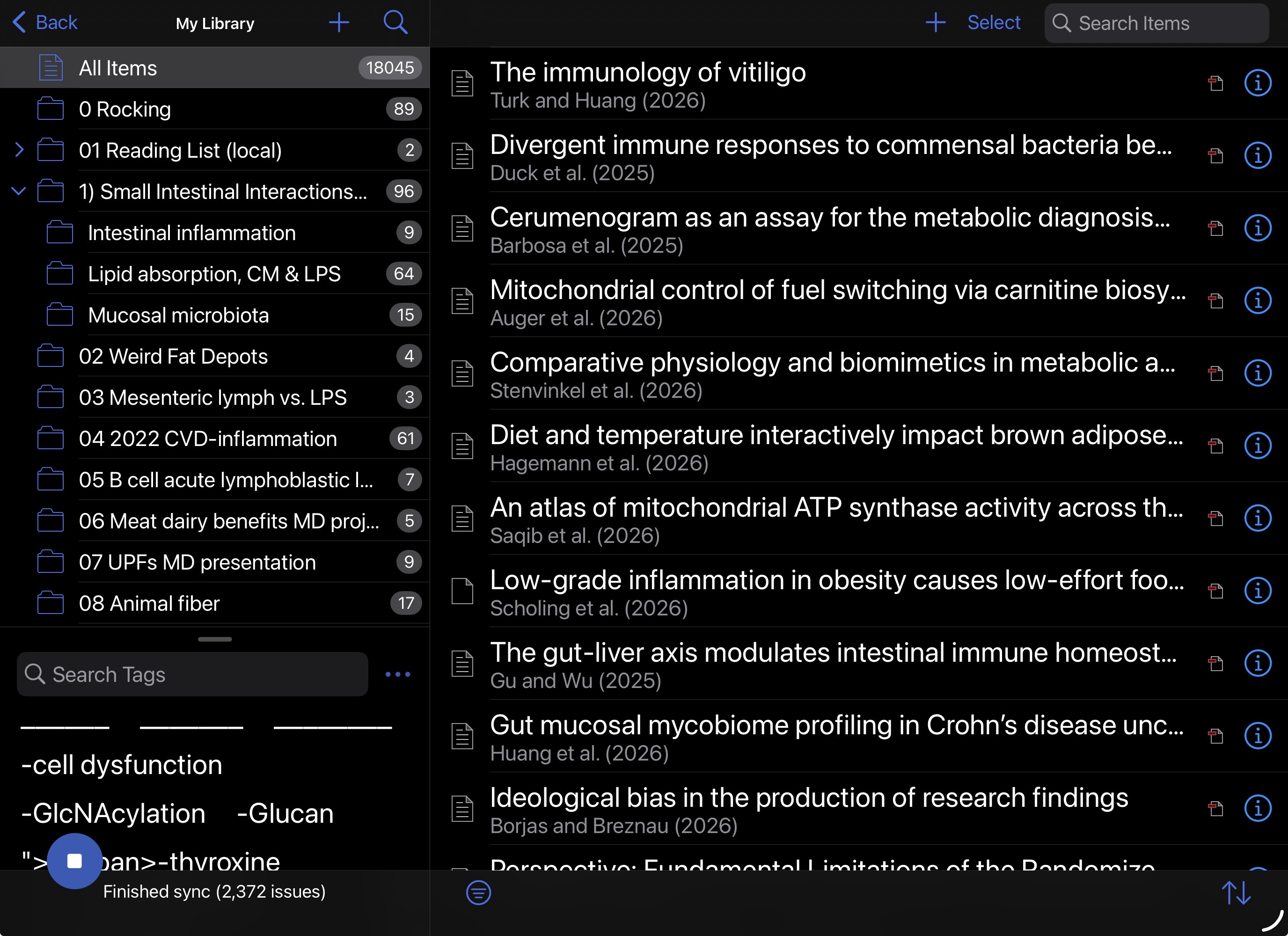
https://s3.amazonaws.com/zotero.org/images/forums/u2888205/q04djqhr5rhy9ifk5r1q.png
(This version seems to ignore the system setting for font size though, Item list is now way less readable.)
If you think something is wrong in the latest version, start a new thread and share screenshots.