
 Upgrade Storage
Numify - automatically add hierarchical numeric prefixes to your Zotero collection names
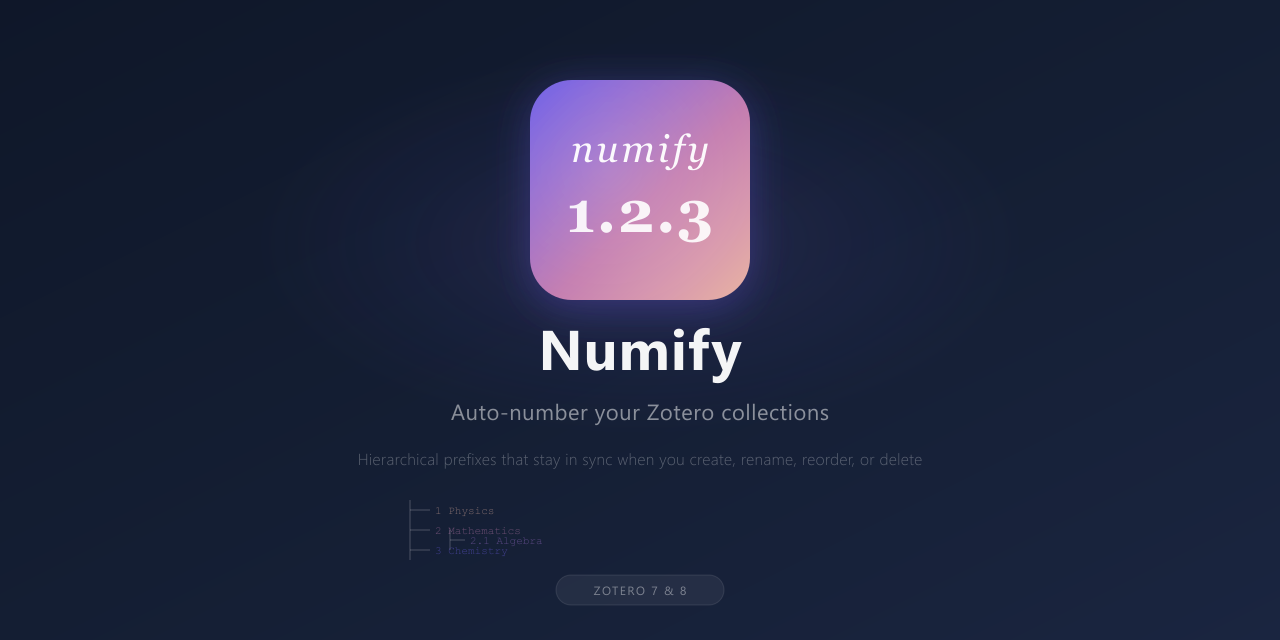
Releasing yet another Zotero plugin, this time "Numify". Numify automatically adds hierarchical numeric prefixes to your Zotero collection names. Create, rename, delete, or reorder collections, the numbering stays in sync.
It supports unlimited nesting depth (1.2.3.4...), keeps numbering gap-free, and since the prefixes are just part of the collection name, everything syncs across your devices out of the box.
GitHub: https://github.com/Rafael-Silva-Oliveira/numify
Project page: https://rafael-silva-oliveira.github.io/projects/numify/
https://s3.amazonaws.com/zotero.org/images/forums/u20157536/dsudgz0gl1f63e84o6rp.png
It supports unlimited nesting depth (1.2.3.4...), keeps numbering gap-free, and since the prefixes are just part of the collection name, everything syncs across your devices out of the box.
GitHub: https://github.com/Rafael-Silva-Oliveira/numify
Project page: https://rafael-silva-oliveira.github.io/projects/numify/
https://s3.amazonaws.com/zotero.org/images/forums/u20157536/dsudgz0gl1f63e84o6rp.png
The only issue I'm having is with the Android app, because there the collections are not sorted numerically. I will ask around and see if it's an Android bug. Thanks!
Regarding the Android app (or iOS for that matter) - I did not design the plugin around the Android app, so its very possible that it may not work as intended there. It may also be that the Android app treats the sorting in a different way than in the desktop app. Regardless, I will have a look at it over the weekend and see if its something that I can fix with a new release, or if its a limitation on the Android app.
Thanks again for the feedback and always happy to get suggestions or feature requests!
Edit: I just checked on my Android app, and the sorting matches the sorting I have on desktop (collections and sub-collections). Could you post a screenshot or example of the issue you are having?
Something like:
A.B.C.D
a.b.c.d
I.II.III.IV
i.ii.iii.iv
Etc
I personally prefer the numerical view, but now that I think about it, it would be nice to have other types of sorting like the ones above, so I will be implementing that as well in the upcoming days
https://s3.amazonaws.com/zotero.org/images/forums/u2580262/lg453qiprgvpsh2bvgcx.png
Also, to make things easier for you, I’m going to create an issue on GitHub. In addition, I’ve started a thread here to see if it’s possible to configure the sorting order on Android to numerical rather than alphabetical:
https://forums.zotero.org/discussion/130818/numerical-ordering-of-collections-in-the-android-app
Hopefully, we’ll get a response.
Yes, in any case, I personally would prefer the numbered list, so that the suffix stands in contrast to the title of the collection.
BTW, I forgot to mention that the plugin works fine in 9.0-beta versions!