
 Upgrade Storage
iPad app PDF reader glitch
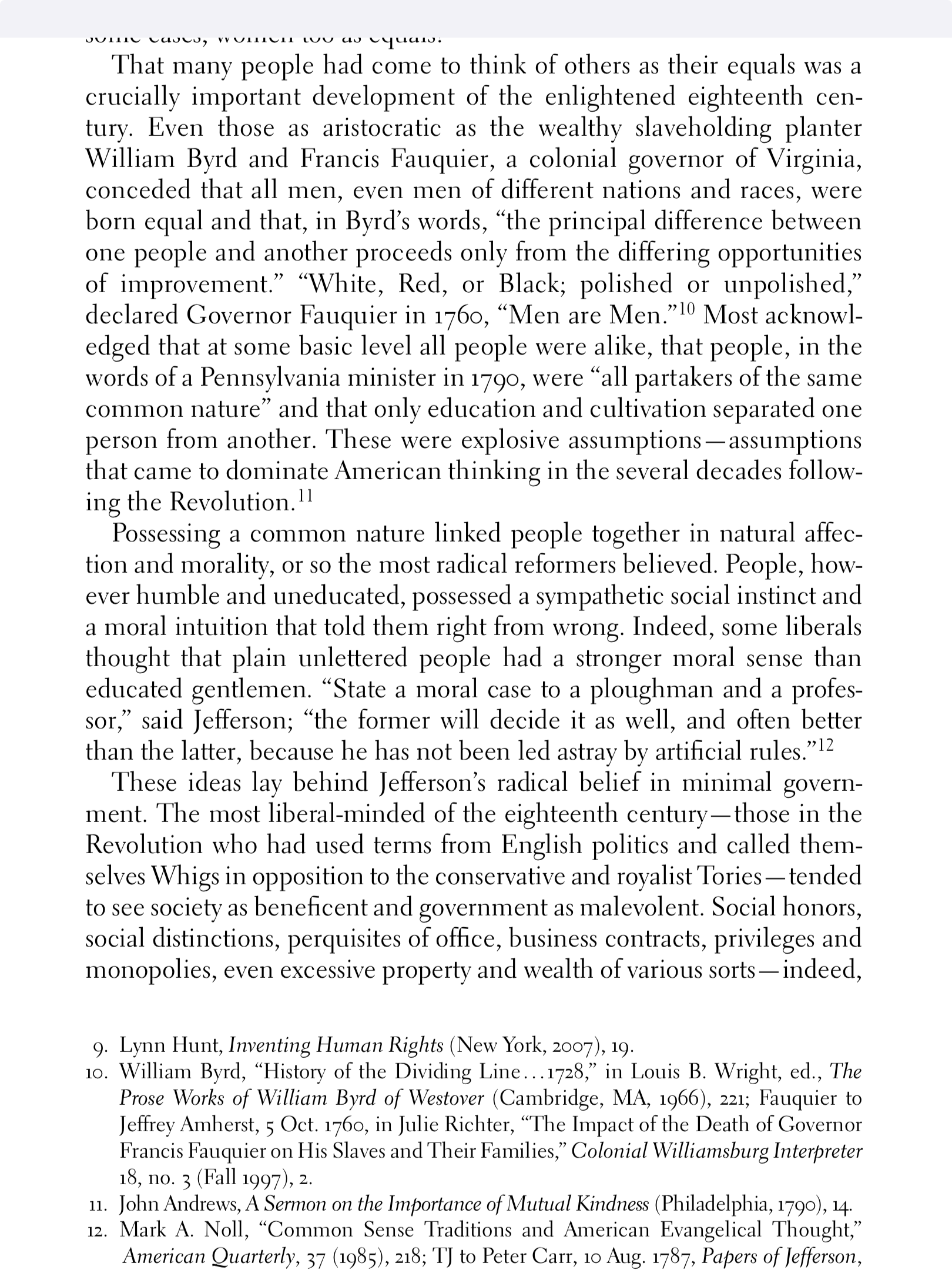
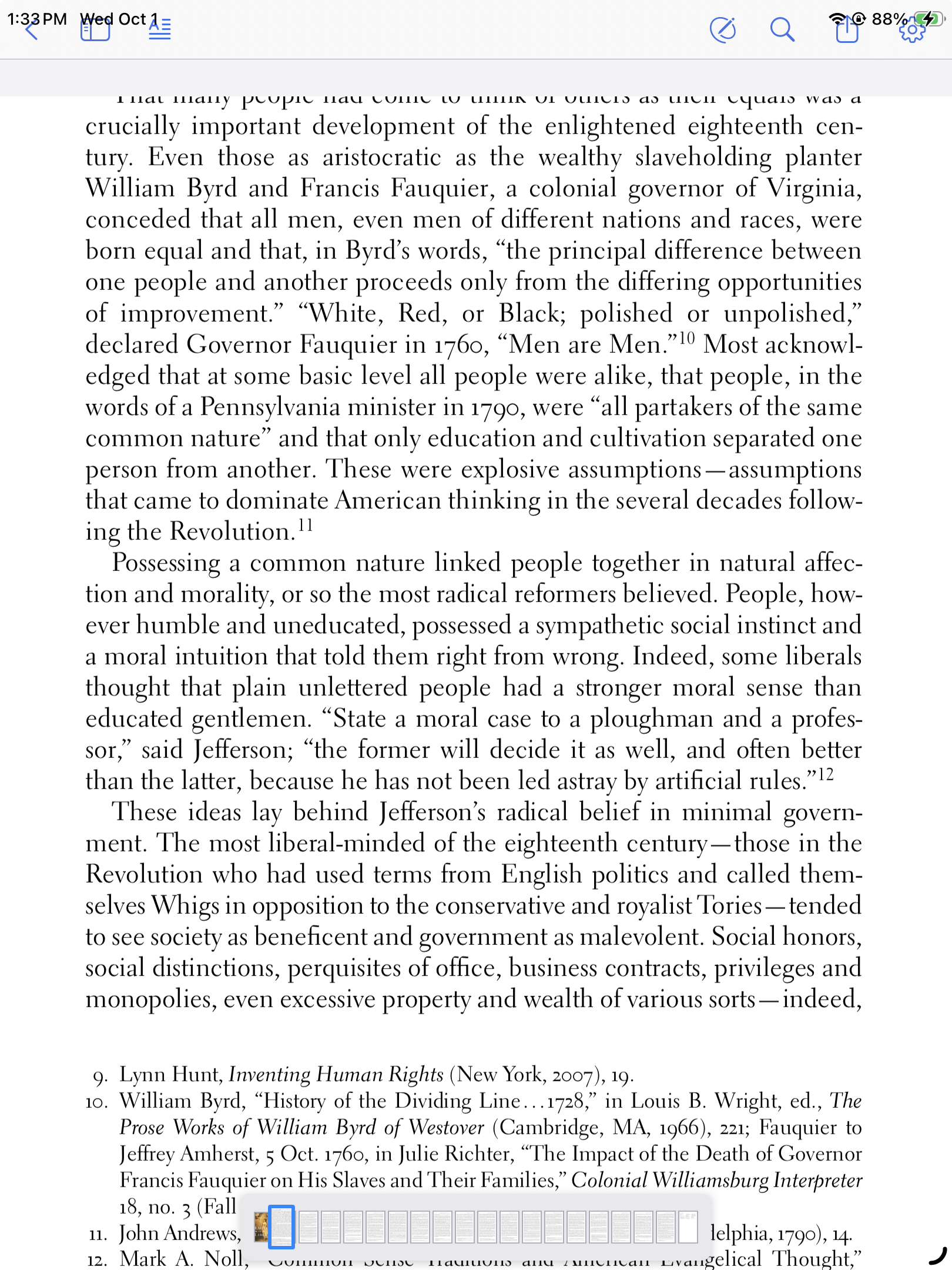
When viewing a PDF on my iPad, hiding the toolbar leaves a grey rectangle at the top of the screen. Sometimes the rectangle appears when the toolbar is active, but the toolbar is pushed up into the top of the screen, making it difficult to tap the buttons (for example, search or show annotations). This started happening after I updated my iPad to iPad OS 26.
I'm using an iPad 9th gen running iPadOS 26.0.1 and the latest version of the Zotero app.
Screenshots showing the glitch:
https://s3.amazonaws.com/zotero.org/images/forums/u7477018/upsl5gabg56th57grbhx.png
https://s3.amazonaws.com/zotero.org/images/forums/u7477018/x10b08to4kbywsye3cjk.png
I'm using an iPad 9th gen running iPadOS 26.0.1 and the latest version of the Zotero app.
Screenshots showing the glitch:
https://s3.amazonaws.com/zotero.org/images/forums/u7477018/upsl5gabg56th57grbhx.png
https://s3.amazonaws.com/zotero.org/images/forums/u7477018/x10b08to4kbywsye3cjk.png
https://www.zotero.org/support/beta_builds#zotero_for_ios_beta
https://s3.amazonaws.com/zotero.org/images/forums/u7554954/iphc4vt00woqrmadyemq.jpg
Edit: Exiting full screen and re-entering makes the glitch to disappear. But it seems it will reappear at some point.