
 Upgrade Storage
Display problem for epub file
I am trying to open an EPUB file in Zotero.
When I open it in Calibre, I get the cover image.
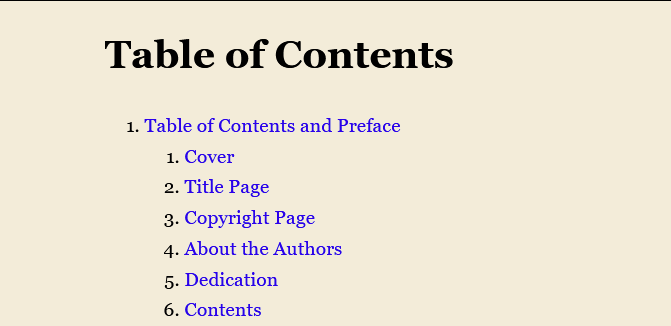
But when I open it in Zotero, it creates a (very long) "Table of Contents" which is not visible in Calibre:
https://s3.amazonaws.com/zotero.org/images/forums/u265723/hhxsg41oxxnwroxfso09.png
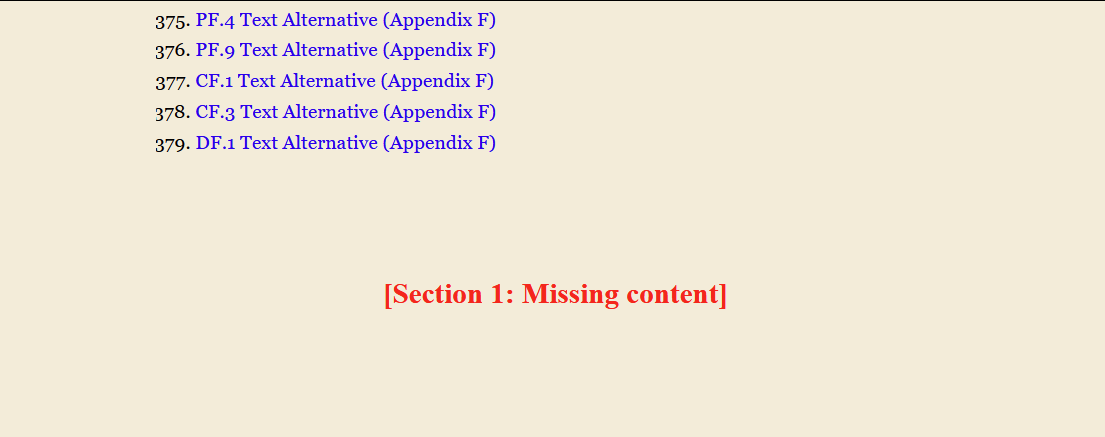
Followed by a "Missing content" notice:
https://s3.amazonaws.com/zotero.org/images/forums/u265723/3qvh9xr7u1fl21cxy54k.png
I also get errors in the debug output:
Debug ID D1513972055
Zotero 9.0-beta.3+f21e1b2d3 (64-bit)
Windows 11
[The file has been sent to support@zotero.org with a link to this post.]
When I open it in Calibre, I get the cover image.
But when I open it in Zotero, it creates a (very long) "Table of Contents" which is not visible in Calibre:
https://s3.amazonaws.com/zotero.org/images/forums/u265723/hhxsg41oxxnwroxfso09.png
Followed by a "Missing content" notice:
https://s3.amazonaws.com/zotero.org/images/forums/u265723/3qvh9xr7u1fl21cxy54k.png
I also get errors in the debug output:
Is it possible to fix the problem?[JavaScript Error: "Error in parsing MathML attribute value ‘normal’ as length. Attribute ignored." {file: "resource://zotero/reader/reader.js" line: 32237}]
Debug ID D1513972055
Zotero 9.0-beta.3+f21e1b2d3 (64-bit)
Windows 11
[The file has been sent to support@zotero.org with a link to this post.]
-
AbeJellinek Zotero TeamWe'll try to fix this, but no promises. (Apple Books can't handle this one either - it's pretty messy.)
-
mjthoravalThank you.