
 Upgrade Storage
zotero 8 dark mode for pdf reader
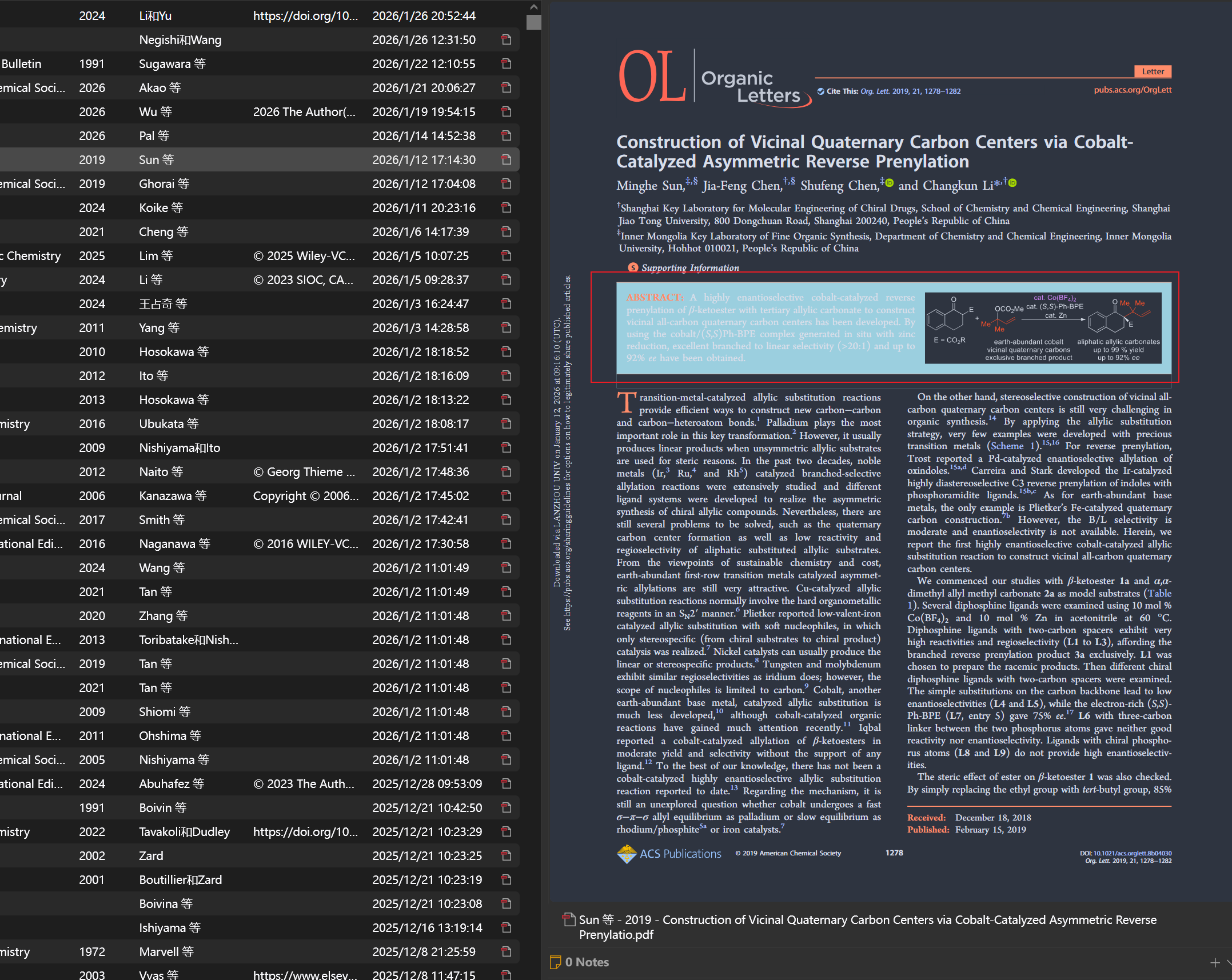
I discovered today that my Zotero has updated to version 8.0. For me, the most significant change is the PDF reader. Currently, in the dark theme, it is no longer possible to set the PDF reader to a bright white mode as was available in Zotero 7, and the white-background preview option has also been removed from the preview pane. I understand that the Zotero team has enforced this change to make the dark theme appear more genuinely dark by eliminating the previous bright mode. However, for me, the PDF reading experience in dark mode is still not ideal. I suggest reintroducing a toggle button, similar to Zotero 7, that allows users to opt for bright white previews and white PDF reading settings even in dark mode. I believe this should not be too complicated to implement. Since my work requires daily interaction with the Zotero reader, I hope it continues to improve and become more user-friendly. Thank you!
https://s3.amazonaws.com/zotero.org/images/forums/u9581255/7vwe3w8ba1uwzirg1kou.png
https://s3.amazonaws.com/zotero.org/images/forums/u9581255/7vwe3w8ba1uwzirg1kou.png
-
poettliClick "Aa" in the PDF reader.
-
yunforcethat's wonderful, thank you very much!!!!!
-
poettliPlease note that, at the time of writing, the preview follows the theme you apply to the reader, so you won't have the Original theme in the preview if you use the Dark theme in the reader, as you want to have.