
 Upgrade Storage
No items found on page - Zotero iOS
I am getting a “No items found on page” error with American Chemical Society publications such as this one (https://pubs.acs.org/doi/10.1021/acs.analchem.5c06356?utm_source=SendGrid_ealert&utm_medium=ealert&utm_campaign=ASAP_ancham_v0_i0) when using the share button in Safari to save metadata to Zotero.
I am on the latest version of iOS and have deleted and redownloaded the latest version of Zotero on an iPhone 15 Plus. Is it just me or is the translator broken? I have not had issues with saving ACS metadata until the last couple weeks.
Any help is appreciated!
https://s3.amazonaws.com/zotero.org/images/forums/u5988436/u1bsld5gkdbg9wcvh2yp.png
I am on the latest version of iOS and have deleted and redownloaded the latest version of Zotero on an iPhone 15 Plus. Is it just me or is the translator broken? I have not had issues with saving ACS metadata until the last couple weeks.
Any help is appreciated!
https://s3.amazonaws.com/zotero.org/images/forums/u5988436/u1bsld5gkdbg9wcvh2yp.png
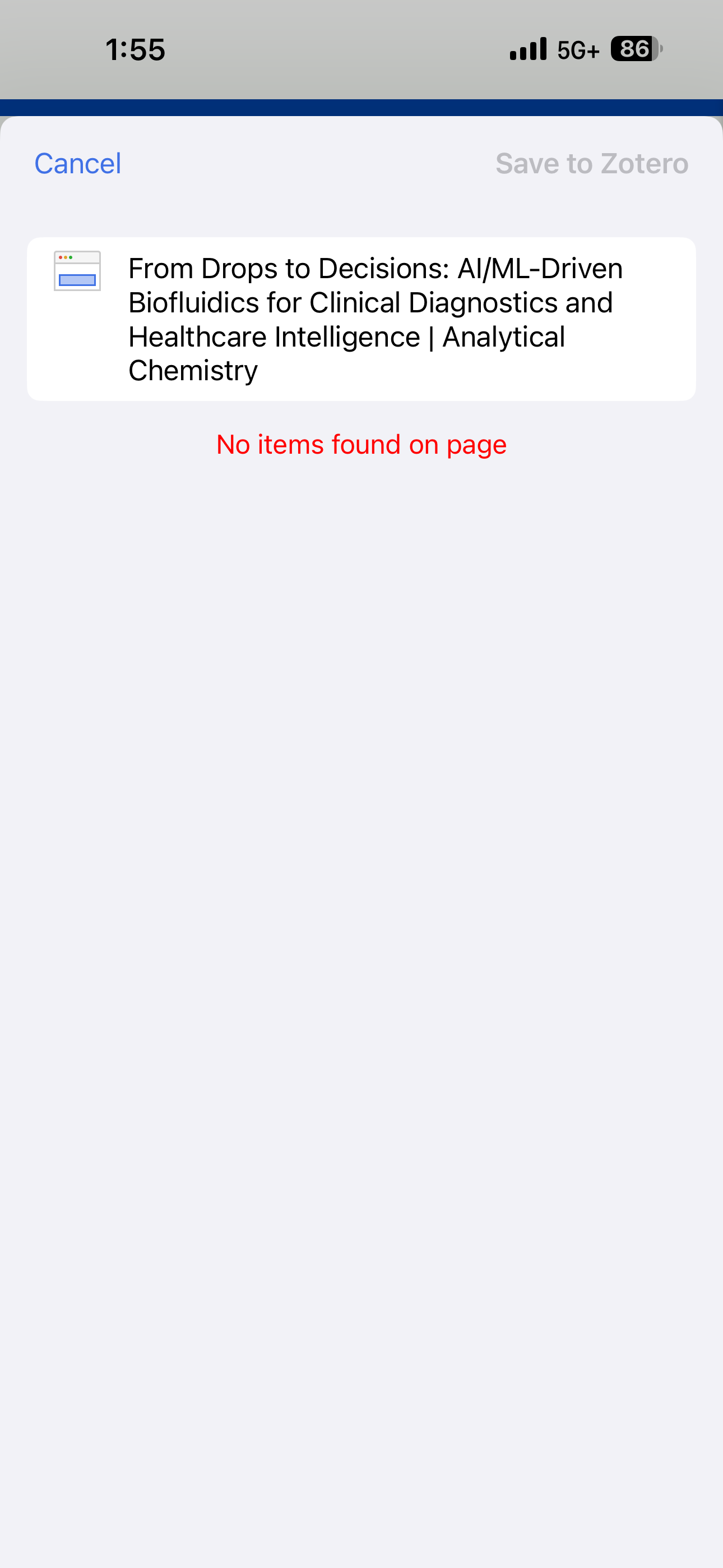
-
dalt2424edited January 6, 2026I tested this on two different iOS devices and both had the same result, no items found on page. However, I don’t have this problem on desktop safari. So it seems like the latest Zotero iOS (or maybe iOS safari) update broke something. When I try to save the metadata in Safari in iOS, it does show “Saving with ACS Publications” VERY briefly and then quickly shows “No items found on page” as if something went wrong when saving with acs.
-
mvasilak Zotero TeamHey @dalt2424, we have reproduced the issue and we are working on a fix. Thanks for reporting this.
-
mvasilak Zotero TeamFix is part of latest release (2.0.2), please update and provide more feedback if needed.