
Zotero 7 beta Safari Connector always save papers as "web page with snapshot"

Zotero 7 beta Safari Connector always save papers as "web page with snapshot".
I mean "always", regardless of the databases or journals.

I have tried resetting translators, uninstalling and reinstalling Zotero, disabling every other Safari extensions. None of them worked.

Hope there is any fix for this problem. Thank you in advance.

Zotero Connector Debug ID: D2093688887

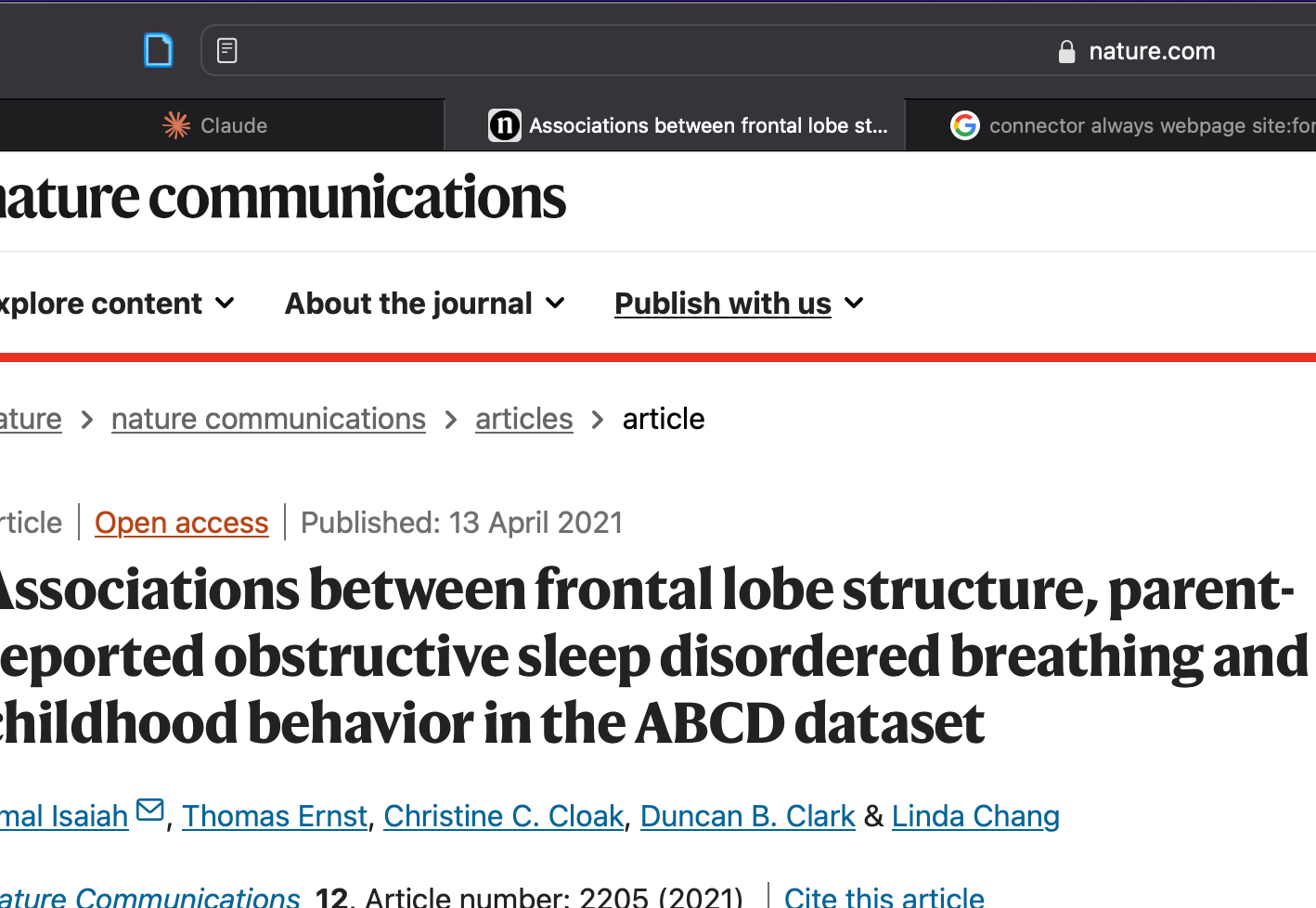
Screenshot:
https://s3.amazonaws.com/zotero.org/images/forums/u6623341/7ckiuw6j7pzre8ckvvzp.png
  • adomasven Zotero Team
    Right click on the Zotero extension, choose Manage Extension and make sure the Zotero Connector is Always Allowed on Every Website.
  • Thanks adomasven, but I have already done it as the screenshot below('허용' means 'allowed' in Korean).

    https://s3.amazonaws.com/zotero.org/images/forums/u6623341/zerrm30xzotls2mpanhb.png

    I really wanna figure out what's the problem here..:(
  • adomasven Zotero Team
    Produce a Debug ID from the Zotero Connector for opening a new tab and navigating to the Nature article that you are having issues on.
  • Thanks adomasven. Here's the debug ID: D49804967.
  • adomasven Zotero Team
    We've not seen something like this before. Have you tried restarting your computer? Could you try removing the Zotero.app, then restarting your computer, and reinstalling it? If it doesn't help, could you create a temporary macOS user account and see if it works there?
  • adomasven, I have tried every solution you suggested, but unfortunately they did not work. :(

    This is the screenshot I took on temporary MacOS user account:
    https://s3.amazonaws.com/zotero.org/images/forums/u6623341/gcvbhc7jnkyk8ps5zjp6.jpg

    I have recently updated from Zotero 6 to 7 beta, and the Safari connector began to save papers as web pages just after that..

    If there is anything I can give a try, please let me know. Thank you for your help.
  • adomasven Zotero Team
    And the Zotero Connector in the new user account is allowed to run on every website? If that doesn't help, does temporarily reverting to Zotero 6 help?
  • I have encountered the same case with you. Safari is not very friendly to Zotero.
  • @adomasven, I have reverted to Zotero 6, as I couldn't find out any solution for the problem. I hope it is fixed in the later versions of Zotero 7.

    @bbking, it is quite relieving that I was not the only one experiencing the issue.
  • dstillman Zotero Team
    @geeljy: Just to be clear, the problem goes away if you switch back to Zotero 6, and then comes back if you switch back to Zotero 7? Can you confirm that?
  • @dstillman, yes, you're right.
  • adomasven Zotero Team
    With Zotero 7 connector could you provide a Debug ID for pressing Reset Translators in the Connector Preferences -> Advanced?
  • edited June 25, 2024
    I am tracking the same issue in another thread (https://forums.zotero.org/discussion/115483/zotero-7-safari-connector-fails-to-detect-pdfs#latest), moving my conversation here.

    This does not seem to a be a problem across the board with Safari and Zotero 7. I moved from an old Mac with Zotero 7 and the web connector worked normally, but on this new machine it is only saving snapshots.

    Here are the differences:
    Working Mac: Intel, Zotero Connector 5.0.126, Safari 17.4.1, Zotero 7.0.0-beta.89+49d3bae25

    Broken Mac: ARM M3, Zotero Connector 5.0.126, Safari 17.5, Zotero 7.0.0-beta.91+3c6625f3c

    Also, I should note that I never gave Zotero access to all websites on the old machine that works. Doing so on the new machine did not resolve the issue.
  • Well interestingly enough, I updated the old machine to also use Safari 17.5 and Zotero 7.0.0-beta.91+3c6625f3c and things are still working. The only difference remaining is ARM vs Intel which seems unlikely. I would presume it's something messed up in Zotero's internal state then which is causing different behavior witht the same software versions.
  • dstillman Zotero Team
    D1895966725
    @atyshka: That doesn't seem to show you reloading the page. Can you try again?
  • adomasven Zotero Team
    @atyshka also, can you provide another Debug ID from the Zotero Connector for pressing Reset Translators in the Connector Preferences -> Advanced?
  • @adomasven, here's the Debug ID for pressing resetting translators: D244687459

    I have used Zotero 7 connector after allowing the extension to work on all sites.

    Also, I am using Macbook Air M1 now.

    Thanks in advance.
  • dstillman Zotero Team
    edited June 26, 2024
    @geeljy: Can you try generating one for reloading the page again? Be sure to start logging, switch back to the webpage, reload the page, and then return to the preferences and submit the output. It's possible that nothing is being logged due to whatever is broken here, but we'd like to be sure.
  • dstillman Zotero Team
    Actually, never mind — we've identified the issue and have a fix prepared for the next beta.
  • dstillman Zotero Team
    @geeljy, @bbking, @atyshka: OK, please try beta 92.
  • @dstillman @adomasven OMG it's working! Thank you so much for your help.
  • I am encountering the very same issue on Safari 26.4 on macOS, with a bug ID 1020458079. Could you please have a look at it?
  • You should restart Zotero in Troubleshooting Mode (Help -> Restart in Troubleshooting Mode), then restart Safari and see if you still have this issue.
  • It is bad news. I tried this but it does not help.
  • Submit a Debug ID from Safari refreshing the page where you don't get translations, but expect them to appear, e.g. this Zotero Forums page.
  • Oops. I can not even open the "Zotero preferences" on safari. When I follow the guide on your provided link, it did nothing (no popup). I also tried to disable all other extensions, but it did not help. I am running safari on macOS 26.4 RC.
  • edited today at 4:35am
    It eventually works. Please find Connector Debug ID D840911783. Hope it will help.
    Note: I am running Zotero Stable.
  • Another debug ID D840911783
Sign In or Register to comment.