
 Upgrade Storage
Syncing my account to the app
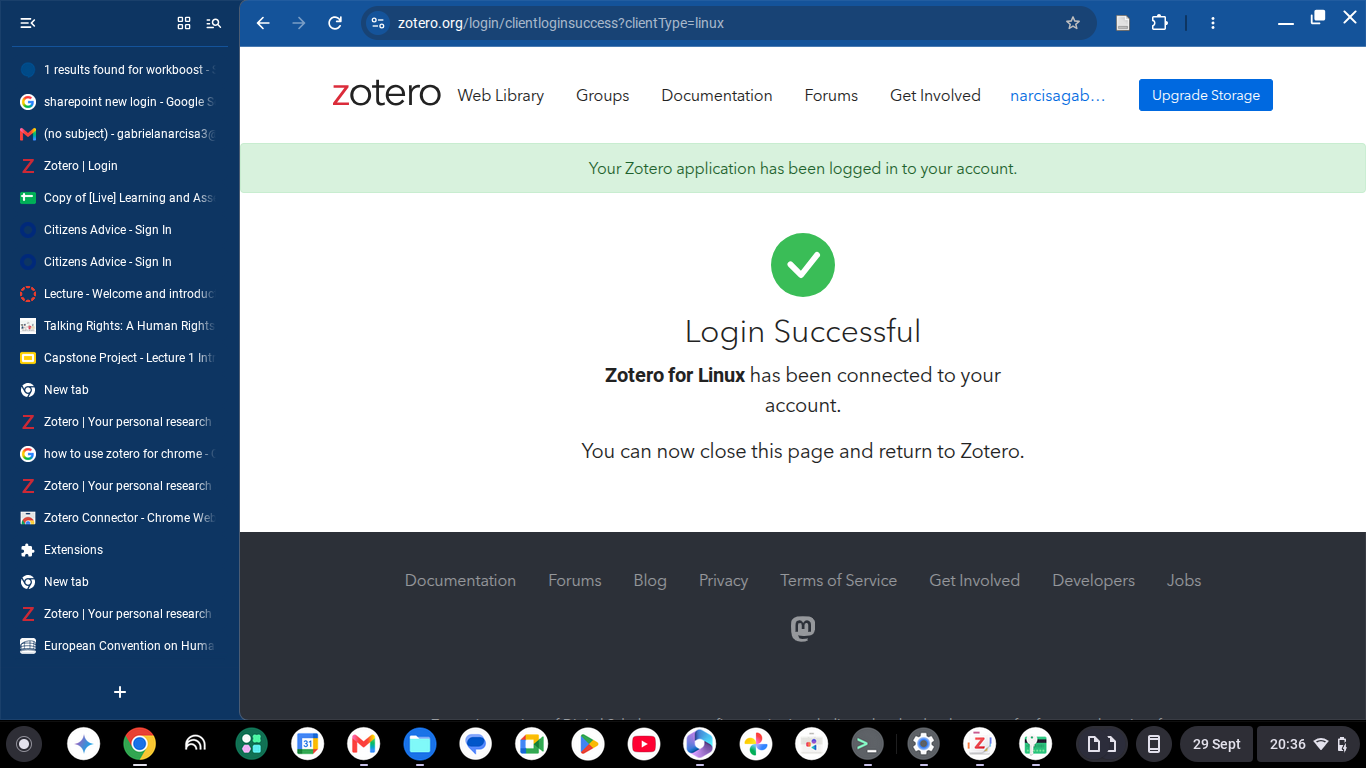
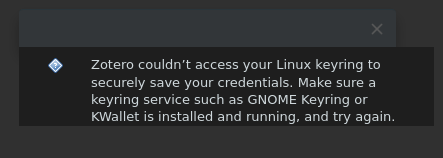
Hi, I have downloaded the zotero app on my chromebook through linux and I am trying to sync my account to zotero app but it does not work as it asks for access to my linux keyring to save credentials. I don't know what to do or how to set it up.
https://s3.amazonaws.com/zotero.org/images/forums/u21874464/l4lkpztnaj4yogyia52d.png
https://s3.amazonaws.com/zotero.org/images/forums/u21874464/4z3a5ign4vfxbqonycl5.png
https://s3.amazonaws.com/zotero.org/images/forums/u21874464/l4lkpztnaj4yogyia52d.png
https://s3.amazonaws.com/zotero.org/images/forums/u21874464/4z3a5ign4vfxbqonycl5.png
-
dstillman Zotero Teamedited September 29, 2026If you don't know how to fix the keyring on your system, you can choose to save credentials unencrypted.
-
Max3MWhere exactly can I choose to save credentials unencrypted? Since recently, each time I run Zotero, it pops up a message that it can't access my Linux keyring. Only two buttons there - Ok and More information. And I couldn't find relevant options in Settings. So I need to click that Ok each time I run Zotero. Version: 10.0.6.
-
dstillman Zotero Teamedited 3 days ago@Max3M: Sorry, that option only appears when actually setting up syncing. We'll consider showing this dialog less often, but for now, the fix would be to either fix your system keyring so Zotero can save credentials properly or to unlink your account from the sync settings (without removing data) and set it up again, and to choose "Save Anyway" at that point to save unencrypted.
-
dstillman Zotero TeamZotero 10.0.7, available now, will provide an option to hide this message for 30 days. Fixing the secret service is still the best option.