
 Upgrade Storage
Report ID: 636578071
I'm still having problems with the bug that was supposed to be fixed with the version 9.0.5. https://www.zotero.org/support/kb/debugging_broken_documents
https://s3.amazonaws.com/zotero.org/images/forums/u20623604/mc7re7uqo1ujikkczd3d.png
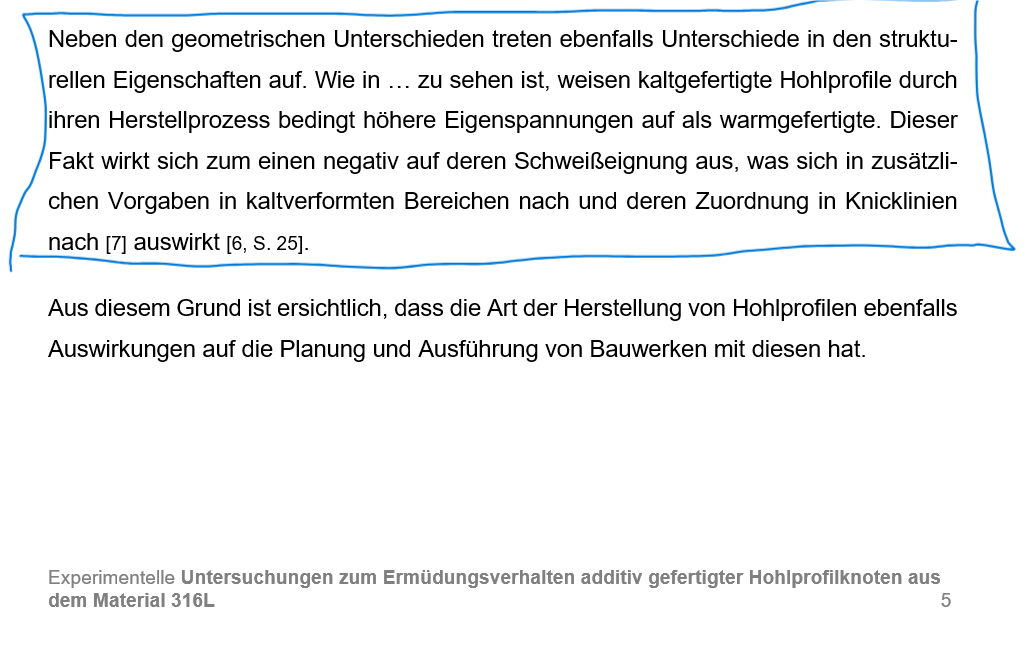
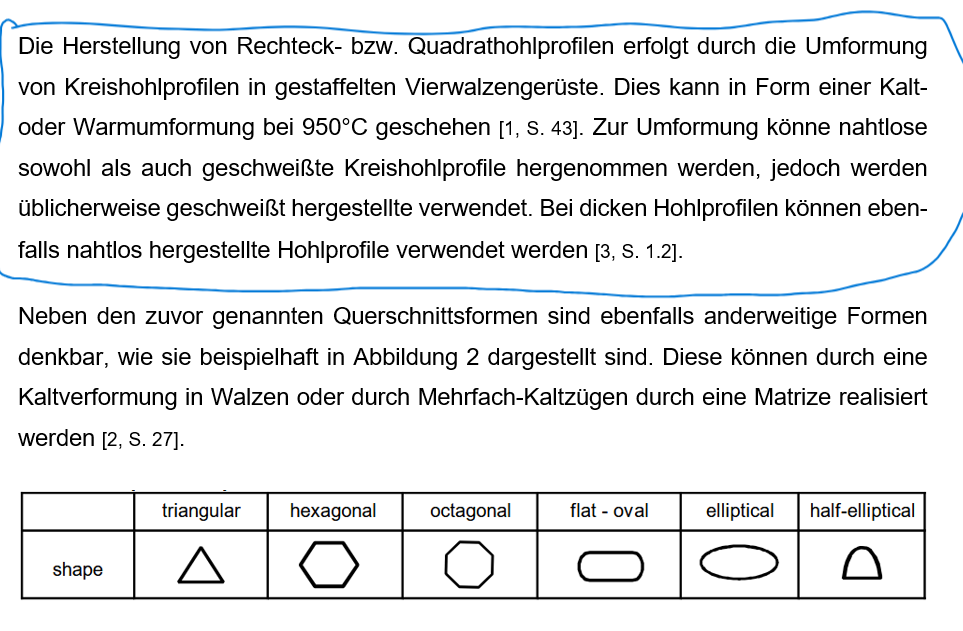
I'm experiencing this specific issue at specific parts of the document provided in the picture below. I tried deleting the specific parts, but then the error appears in the part above the deleted one. It looks like the error always appears before the chapters 2.1.1.2. and 2.1.1.3.
https://s3.amazonaws.com/zotero.org/images/forums/u20623604/8ag7n465929t20rygiws.png
https://s3.amazonaws.com/zotero.org/images/forums/u20623604/fhgkckj04yzfqxxu7i3h.png
I've send the word document to support@zotero.org
Word Version 2605 Build 16.0.20026.20140) 64 Bit
Windows Version 25H2 (Build 26200.8655)
https://s3.amazonaws.com/zotero.org/images/forums/u20623604/mc7re7uqo1ujikkczd3d.png
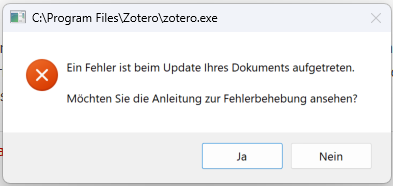
I'm experiencing this specific issue at specific parts of the document provided in the picture below. I tried deleting the specific parts, but then the error appears in the part above the deleted one. It looks like the error always appears before the chapters 2.1.1.2. and 2.1.1.3.
https://s3.amazonaws.com/zotero.org/images/forums/u20623604/8ag7n465929t20rygiws.png
https://s3.amazonaws.com/zotero.org/images/forums/u20623604/fhgkckj04yzfqxxu7i3h.png
I've send the word document to support@zotero.org
Word Version 2605 Build 16.0.20026.20140) 64 Bit
Windows Version 25H2 (Build 26200.8655)
What do you mean by "the error appears in the part above the deleted one"? Inserting a citation in a specific location? In the document you sent, I'm able to insert a citation without getting an error.
In general, see the last step on Troubleshooting Errors in Word Processor Documents, which explains how to cut down the document quickly to find a specific part that fails. You'd want to cut the document down to the smallest part that reliably reproduces the error for you and send that to us.